2550 Video Phone User Manual IMT
Page - 17 -
DHCP:
You can activate or deactivate dynamic host configuration protocol (DHCP)
function of this phone, so this phone can obtain a valid IP address from the
DHCP server on your LAN. To use this function, a working DHCP server must
be available. If you’re not sure, please ask your network administrator.
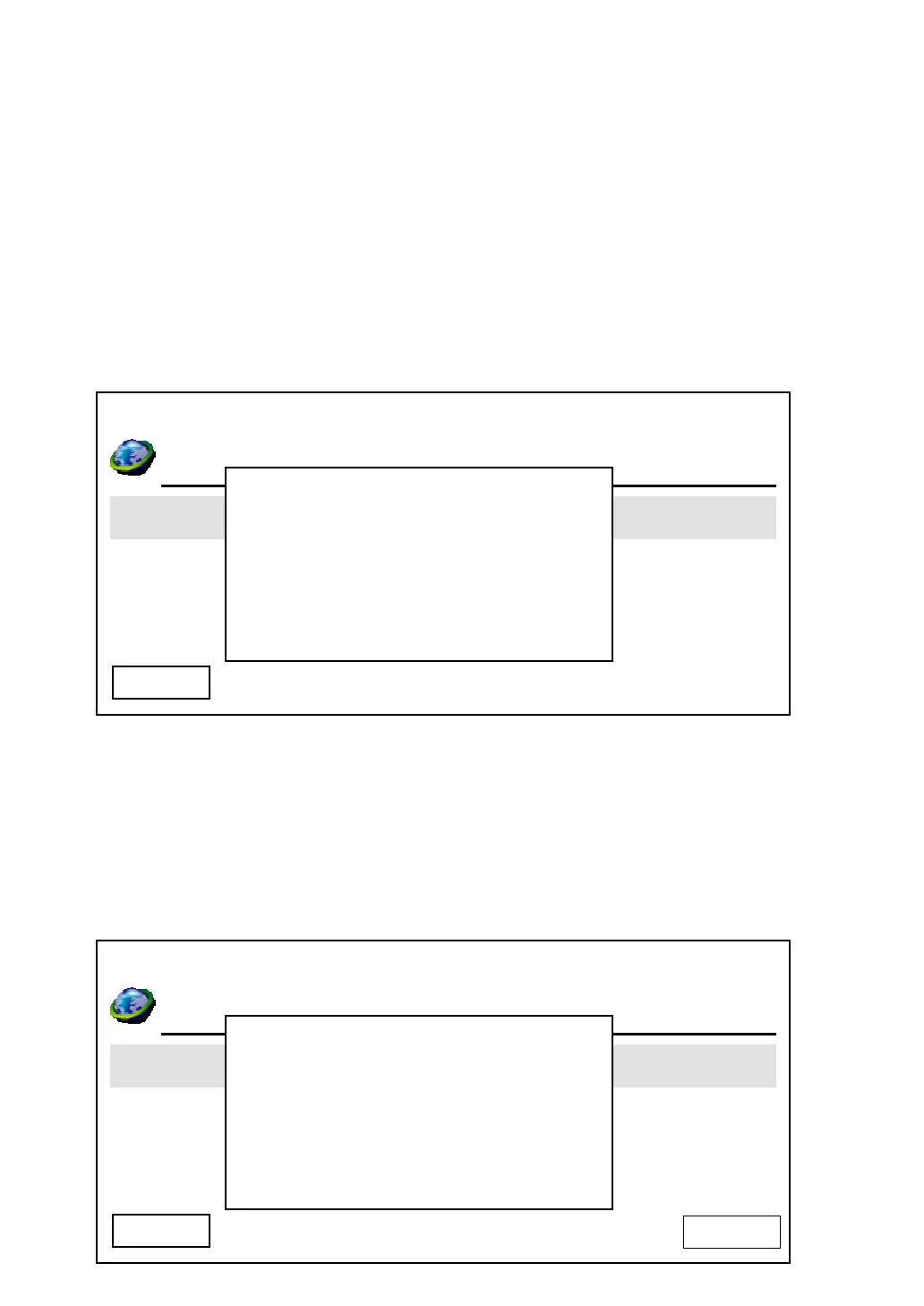
When you selected ‘DHCP’ and pressed ‘OK’ key, and the phone is already
configured to use DHCP, the following message will appear:
Please press ‘OK’ or ‘Cancel’ to exit. If you wish to deactivate DHCP function,
please following the instructions given in ‘IP address’ section to input IP address
manually, and DHCP function will be disabled.
The following message indicates that DHCP function is currently disabled:
03:00 01/01/2007 2550 1101
Day Light Saving Enabled
Synchronization
Date Format
Cancel
DHCP Enabled
03:00 01/01/2007 2550 1101
LAN Configuration
Day Light Saving Enabled
Synchronization
Date Format
Cancel
Enable DHCP?
YES



 To Next Page