VOLCON BRAT OWNER’S MANUAL
pg. 31
Charging the Battery
1. Plug the charger into a standard wall outlet.
2. Lift the small rubber charge port cover on
the battery.
3. Plug the charger cable into the charge port.
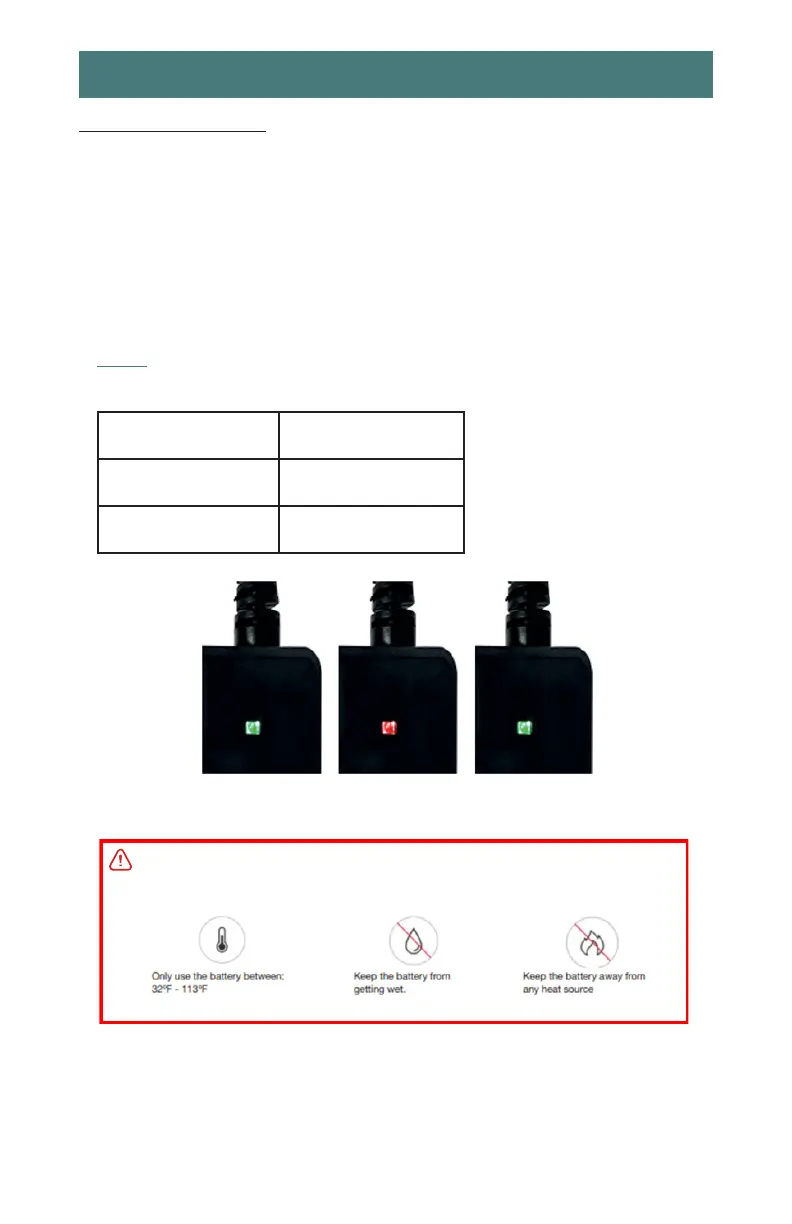
4. The charger has an LED status indicator:
5. When charging is complete, remove the
charger from the battery.
6. Unplug the charger from power outlet and
properly store it.
NOTE: Always ensure the battery charger is unplugged from the power source when
not in use.
GREEN Light without
battery connected
Ready to charge
RED Light with battery
connected
Battery charging
GREEN Light with
battery connected
Battery fully charged
Figure 20 - Charging Level
WARNING:
Figure 21 - Battery Warning


 To Next Page