5.Panel Operation
Display channel switch status
4 Current mode
5
When the instrument detects the USB flash drive, it lights up
6
Lights up the indicator when connected to the USB Host via
the USB DEVICE interface
7 Buzzer
8 Menu title
9 Current waveform or mode setting menu
10 Start phase
11
Offset / low level, depending on the right highlighted menu
12
Amp
litude / high level, depending on the right highlighted
menu item
13
Frequency/Period, depending on the highlighted menu item
14 Display current waveform
5. Panel Operation
Channel Setting
Select the channel for configuration
Before configuring waveform parameters, you must first select the channel you
want to configure. Press CH1 /CH2 to switch to the desired channel, and the
user interface displays channel information.
To Display/Edit Both Channels
Press Both button to display the parameters of both channels.
To switch channel: Press CH1/CH2 to switch the editable channel.
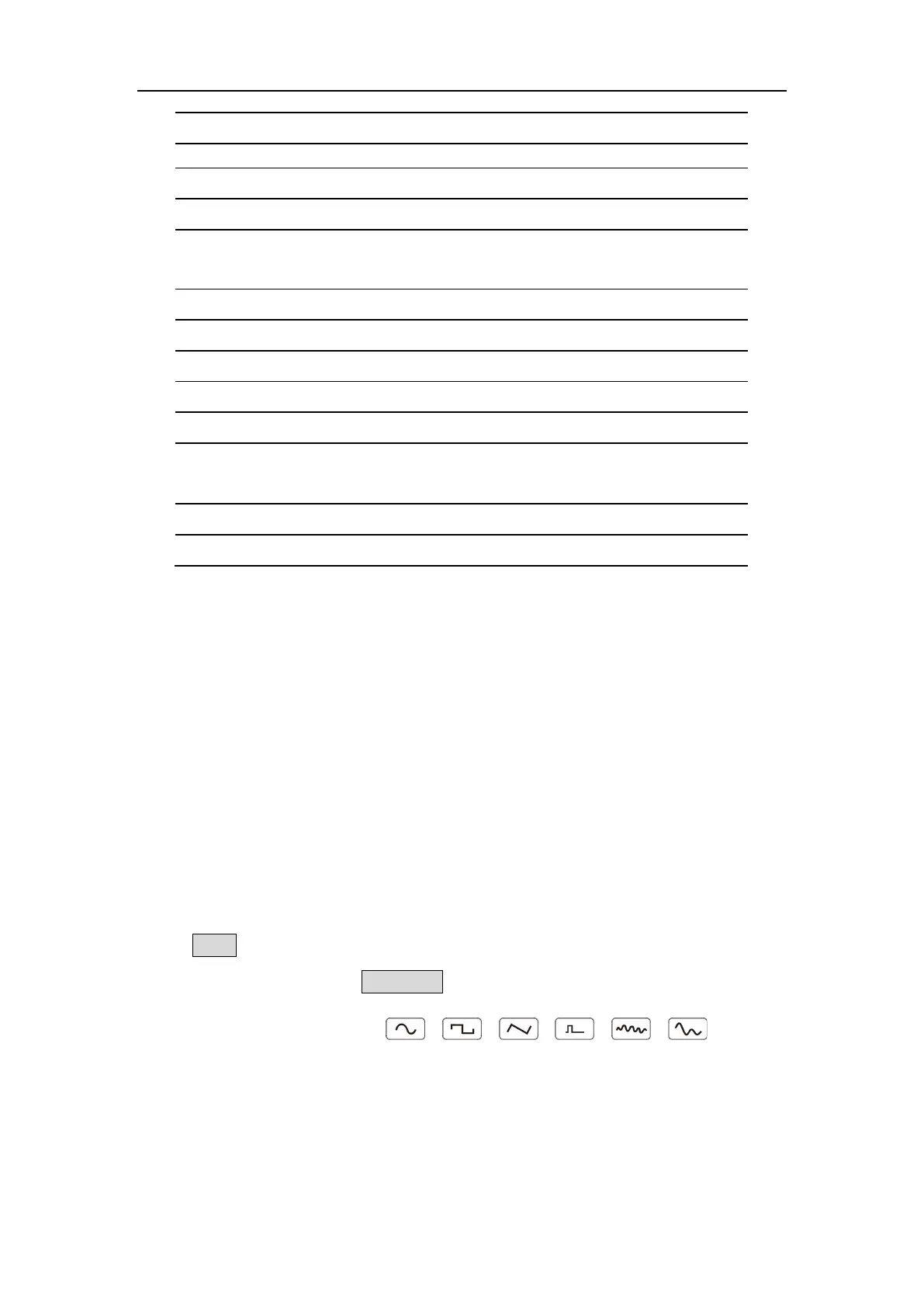
To select waveform: Press 、 、 、 、 、
,
to select
waveform of current channel.
To select parameter: Press Menu selection keys to choose the Parameter 1
to Parameter 4(Corresponding keys 2-5); Press it again to switch the
current parameter such as Frequency/Period.



 To Next Page