5.Panel Operation
USB Device Type
The user can set the communication protocol type of the USB Device interface
at the rear panel.
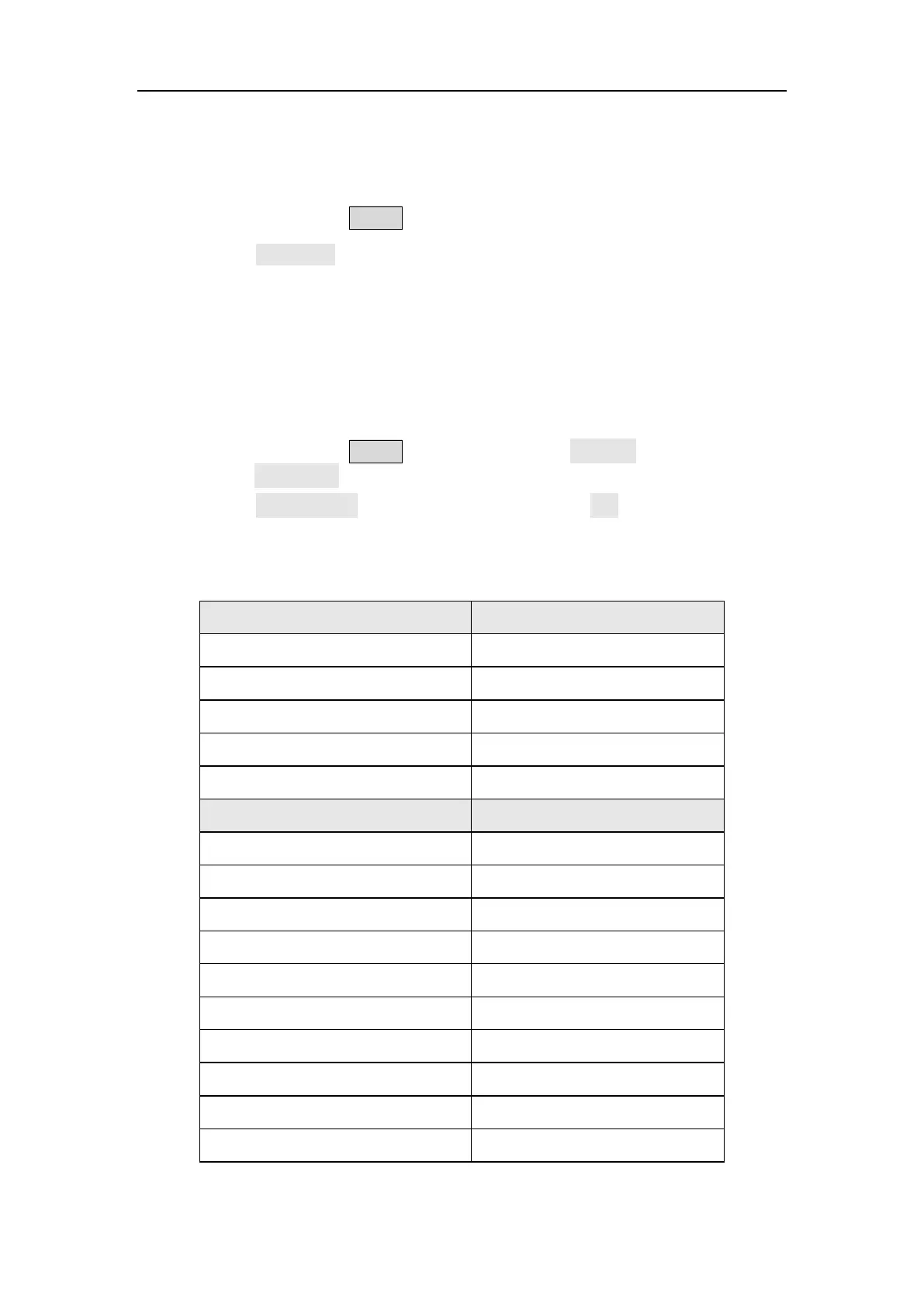
(1) Press the front panel Utility function key.
(2) Press the USB Dev softkey to toggle between PC and USBTMC.
PC: This is the internal communication protocol. Select this option when
connecting to the Waveform Editor software via the USB Device interface.
USBTMC: Select this option when you need to use the USBTMC
communication protocol standard.
Restore to the factory setting
(1) Press the front panel Utility function key, select System softkey, then
press the NextPage softkey.
(2) Press the Factory Set softkey, and then press the OK softkey to restore
the generator to the factory default settings.
Table 5-1: The factory default settings
Output Configuration Factory Setting
CH1 signal output switch Off
CH2 signal output switch Off
Function Sine
Frequency 1 kHz
Amplitude/Offset 1 Vpp / 0 mV
Basic Waveform Factory Setting
Frequency 1 kHz
Period 1 ms
Amplitude 1 Vpp
Offset 0 V
High Level 500 mV
Low Level -500 mV
Phase 0°
Ramp Wave Symmetry 50%
Pulse Width 200 us
Pulse Duty Cycle 20%



 To Next Page