4.Quick Start
Turns the output of the CH2 channel on or off. When the
output is turned on, the backlight of the button lights up.
Output CH2 signal
Switch channel displayed on the screen between CH1 and
CH2
Turns the output of the CH1 channel on or off. When the
output is turned on, the backlight of the button lights up
Tilt the signal generator for easy operation
Selection
Includes: Sine , Square , Ramp , Pulse ,
Noise , Arb Wave .
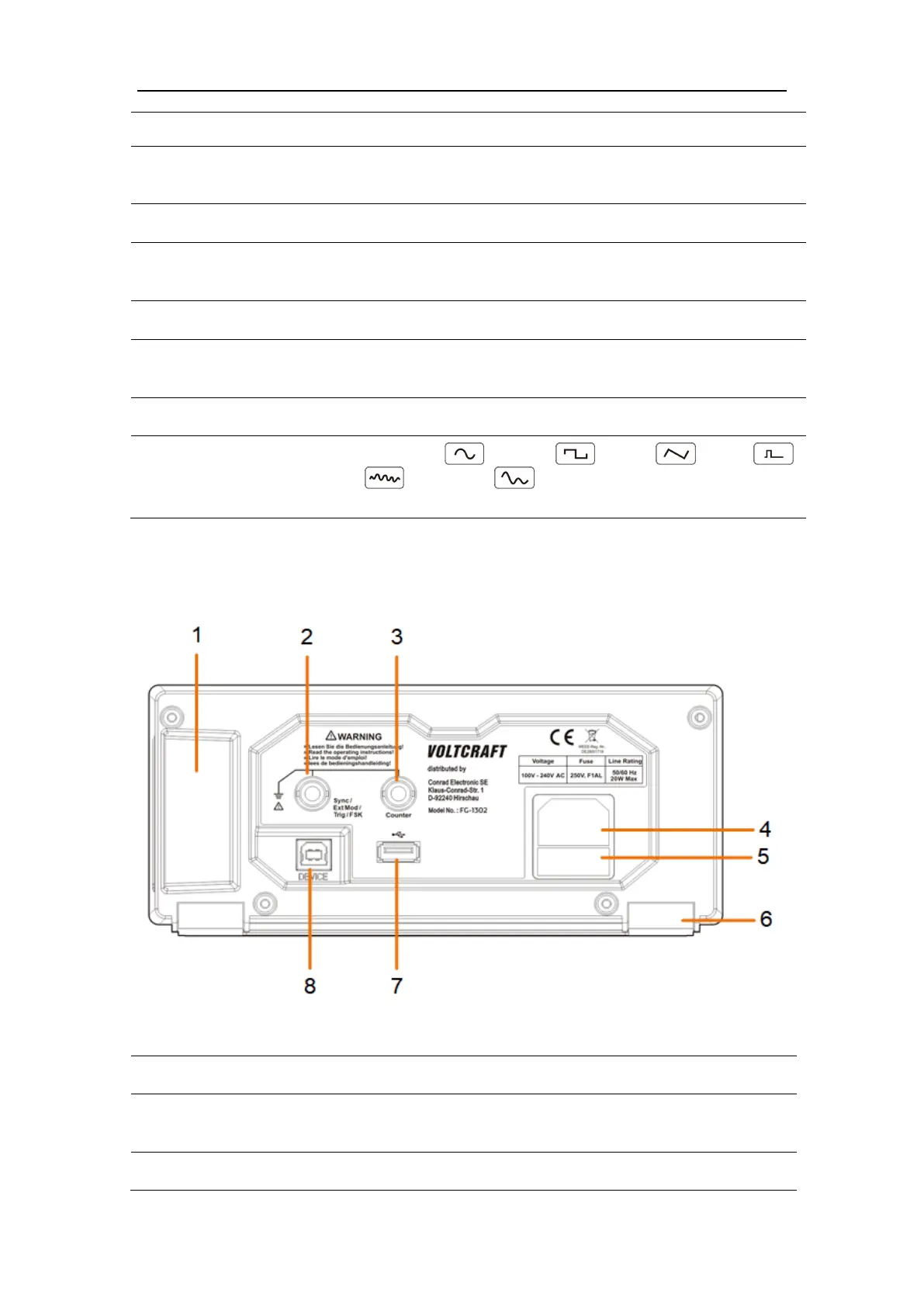
Rear Panel Overview
Figure 4-2: Rear Panel Overview
Used to connect the input or output of a
functional signal
Used to receive the frequency meter input signal



 To Next Page