5.Panel Operation
Store
Users can Load customized waveform to the device by PC software.
Install PC software first. (You may follow P53 "Communication with PC").
Press , press NextPage then Store button to enter File system.
Reading waveform
(1) Please visit our official website to obtain the installation package and
decompress it.
(2) Double click " Waveform Editor " icon to run the software.
(3) Enter the “Waveform Editor” interface.
(4) Select the required waveform on the instrument.
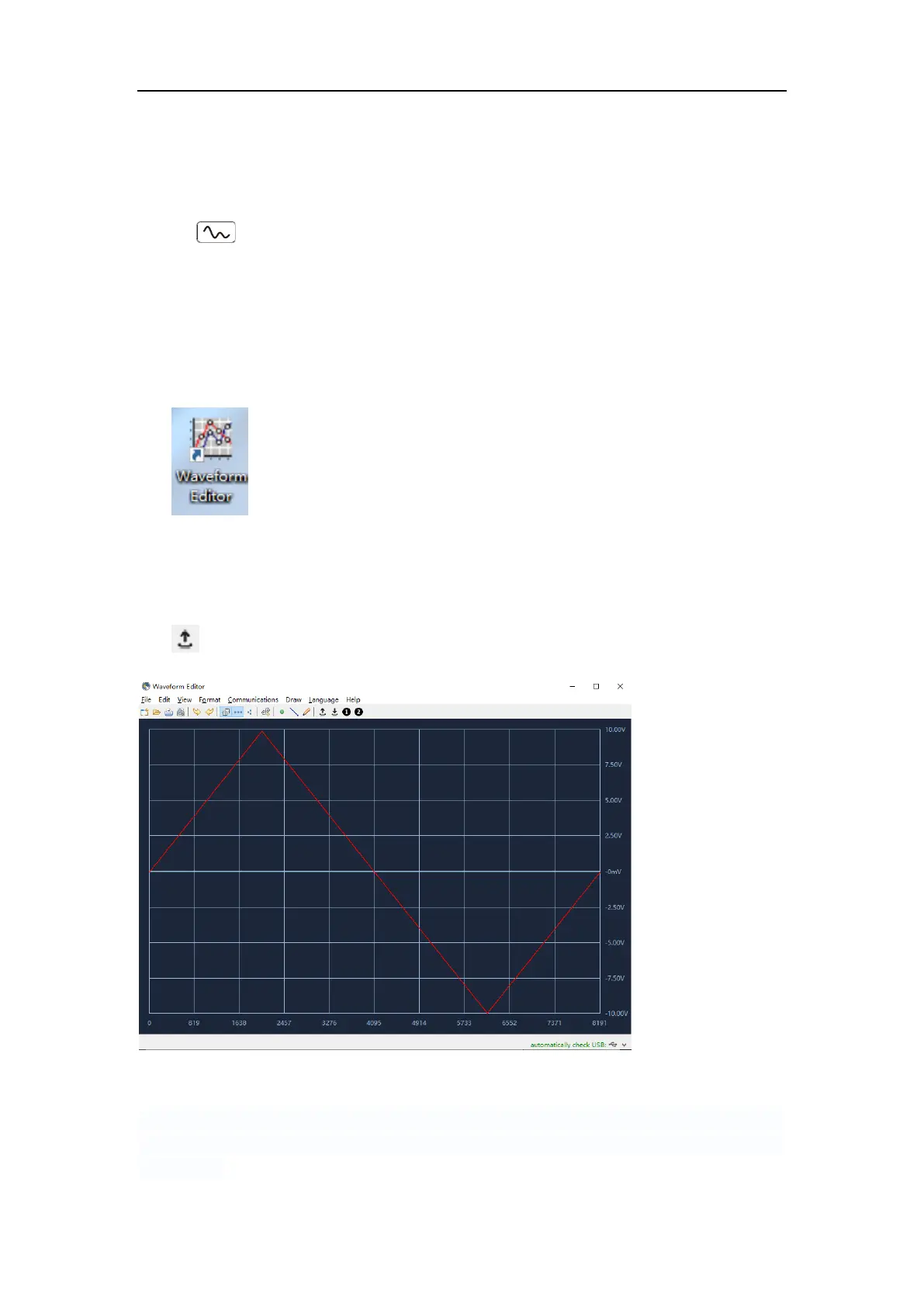
(5) Under Waveform Editor software interface, click "Read Waveform Icon
" button, and the waveform will be read and displayed on the screen.
Write and Recall waveform
We can use the Line Draw, Hand Draw and Point Edit mode in the Waveform
Editor to edit the required waveform, and save and display it on the instrument
by writing.



 To Next Page