5.Panel Operation
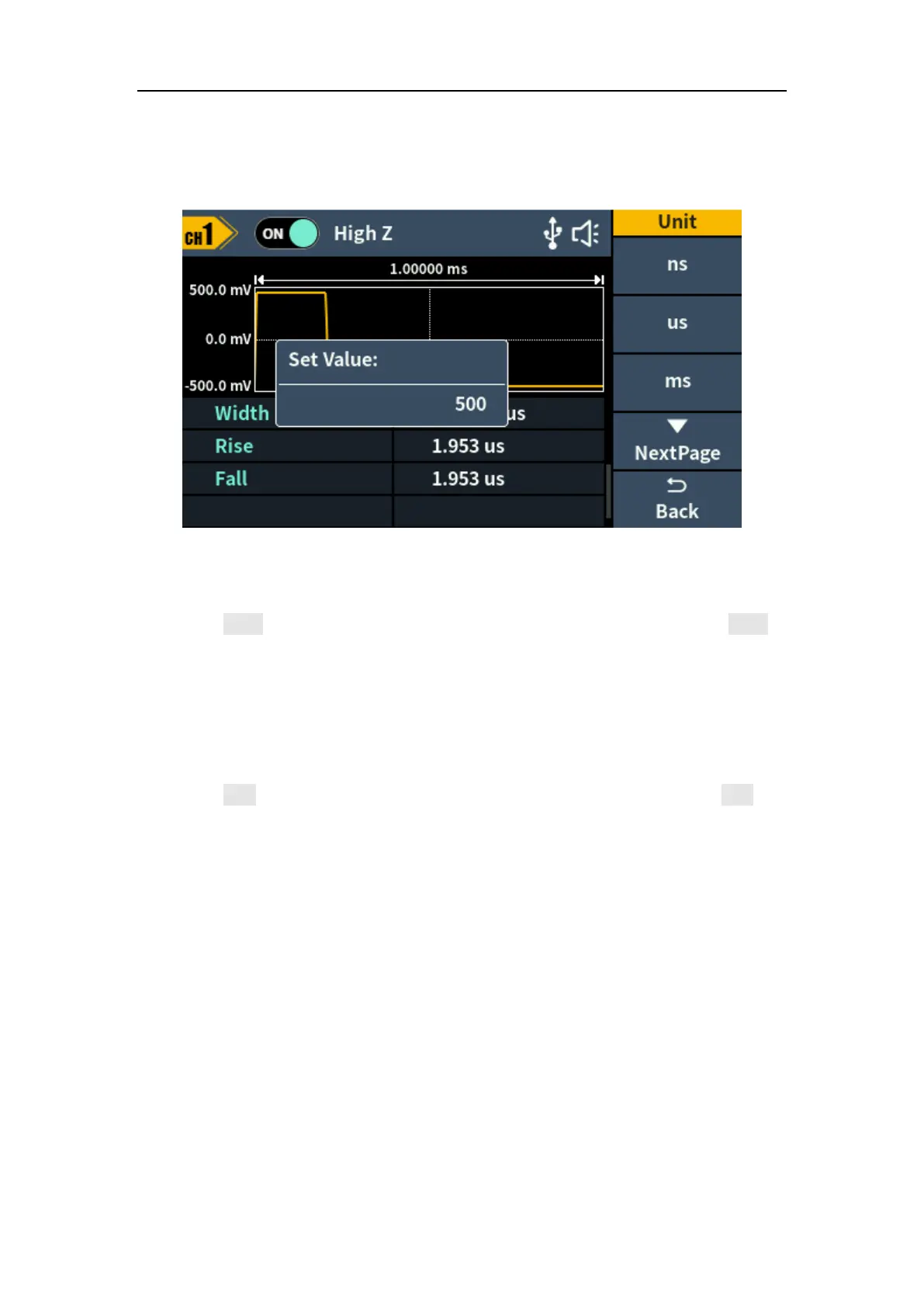
Parameter 5 of Figure 5-7, a blinking cursor appears in the parameter value.
Turn the knob to change the value directly, or use the numeric keypad to
input the desired value and choose the unit.
Figure 5-8: Set the pulse width
Set the rising time
Press the Rise softkey, the chosen menu item is highlighted. Press the Rise
softkey to switch between Rising Time and Falling Time. In Parameter 6 of
Figure 5-7, a blinking cursor appears in the parameter value. Turn the knob to
change the value directly, or use the numeric keypad to input the desired
value and choose the unit.
Set the falling time
Press the Fall softkey, the chosen menu item is highlighted. Press the Fall
softkey to switch between Rising Time and Falling Time. In Parameter 7 of
Figure 5-7, a blinking cursor appears in the parameter value. Turn the knob to
change the value directly, or use the numeric keypad to input the desired
value and choose the unit.



 To Next Page