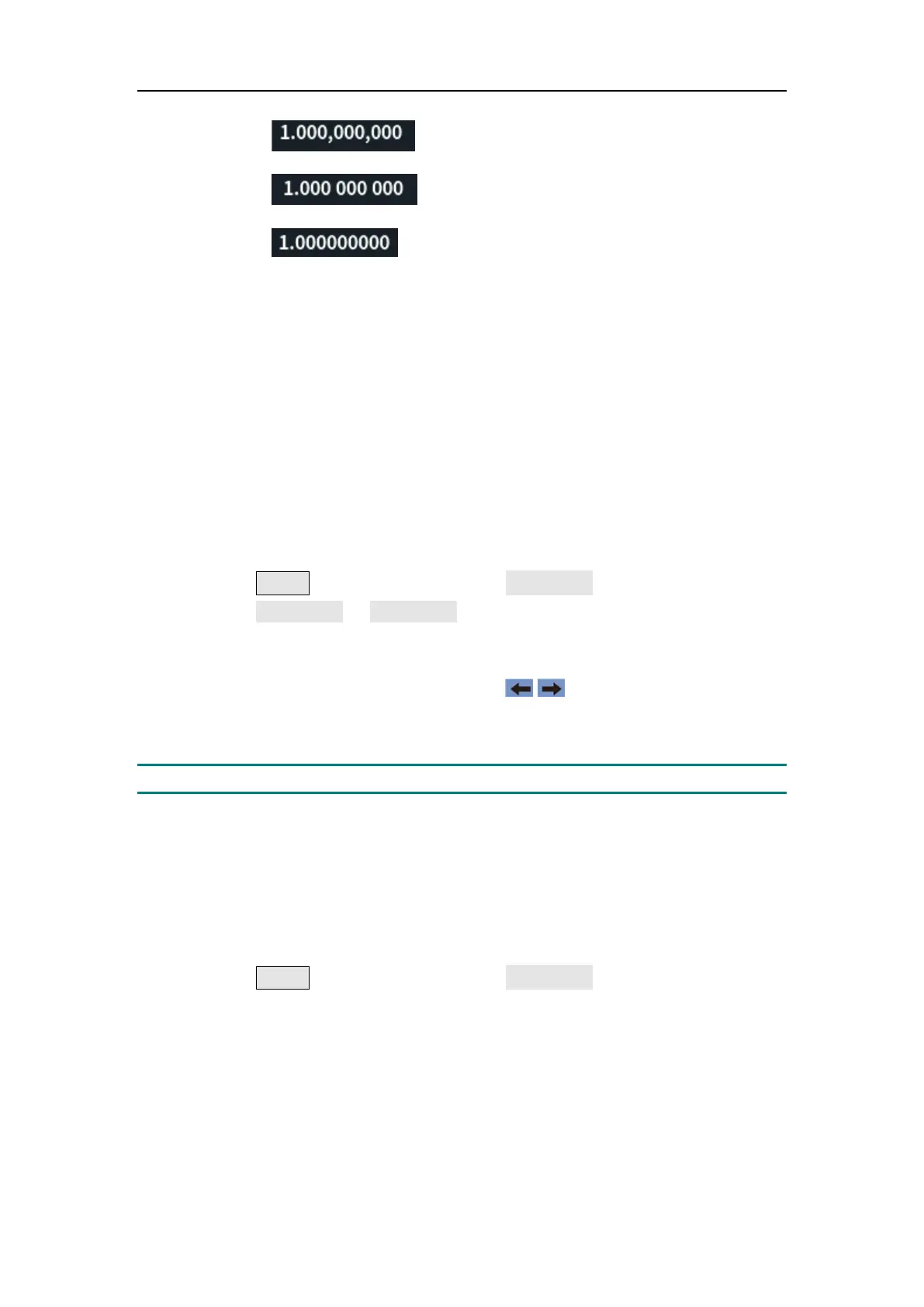
5.Panel Operation
Comma
Space
Nothing
CH1/2 Settings
Load
For either of Out1 and Out2 connector at the front panel, the generator has a
50Ω fixed serial output impedence. If the actual load does not match the
specified value, the voltage level displayed would not match the voltage level
of the component under test. This function is used to match the displayed
voltage with the expected one.
The step to set the CH1 or CH2 load value is as follows:
(1) Press the Utility function key, press the CH1/2 Set softkey.
(2) Press the CH1 Load or CH2 Load softkey, press it again to select High Z
or * ohm ("*" represents a value, the default is 50Ω).
(3) To change the load value, after selecting * ohm, turn the knob to adjust
the value on the current cursor, use the / direction key to move
cursor left or right, or use the numeric keypad to enter the parameter and
then select unit. The load range is 1Ω to 10k Ω.
Warning: Setup the correct load for right application.
Sync
The generator can output the sync signals of basic waveforms (except noise),
arbitrary waveforms (except DC), sweep signal, burst signal, and modulated
signal from a single channel or two channels at the same time.
The steps to enable or disable sync signal at the Sync/Ext Mod/Trig/FSK
connector:
(1) Press the Utility function key, press the CH1/2 Set softkey.
(2) Press the Sync softkey,press the softkey to select CH1,CH2 and Off.
When the sync signal select Ch1 or CH2, which sends the sync signal to
the Sync connector. When the sync signal is Off, the output level at the
Sync connector is logic low(The sync signal default is Off) .
Sync signals of various waveforms
For sine, square, ramp and pulse waves, the sync signal is a square
wave with a 50% duty cycle. When the waveform output is positive, the
sync signal is TTL high with respect to the 0V voltage (or DC offset



 To Next Page