th
Symbian S60 5.1 Edition-Symbian OS v9.5
Step1:Firstly enable the network access on mobile phone. Then run Web browser.
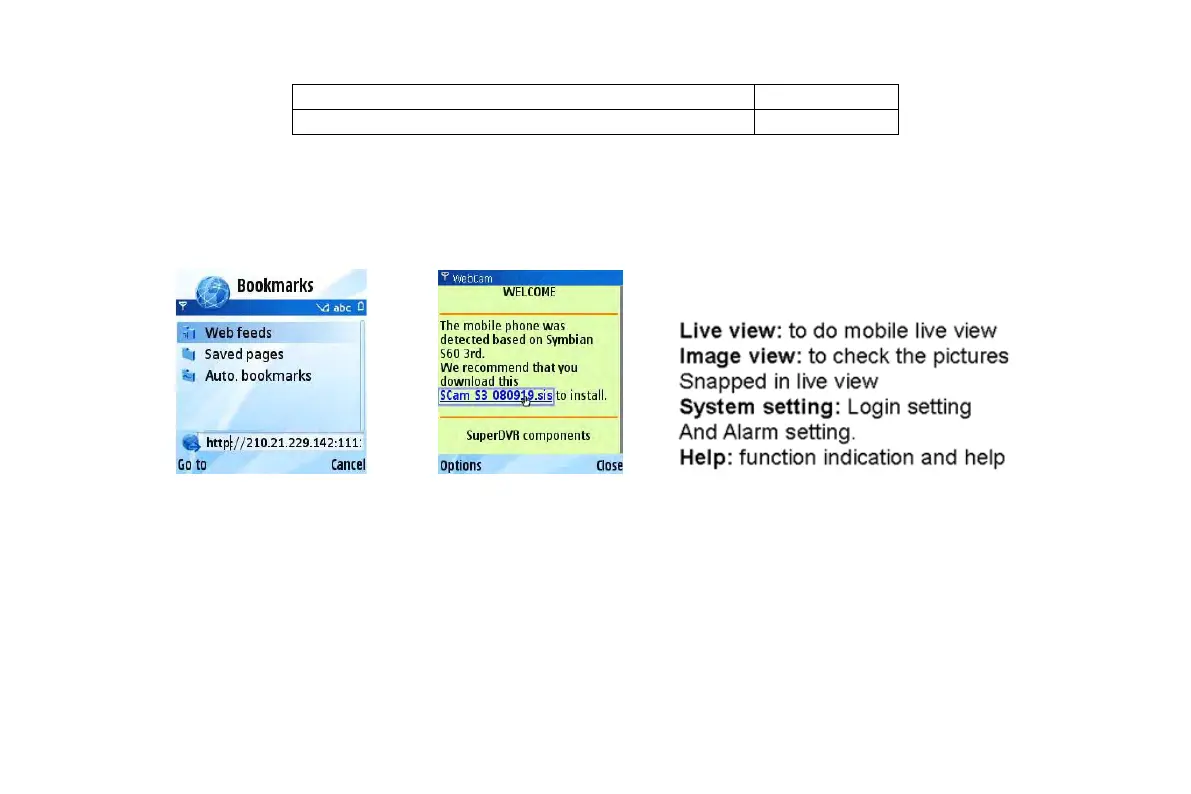
Step2:Input the DVR server’s IP address in a new-built bookmark. Click this bookmark to connect to the DVR. Refer picture in the
left:
Step3:A welcome window will pop up and requires a package. Click the software name to download. Refer picture in the right:
Step4:A security windows will pop up after downloading and ask if install the package. Click YES to install.
Step5:A Scam shortcut icon appears on the system menu after finished.
Step6:Run Scam program. It will enter a function interface. Refer picture in the left:
Step7:Click System setting--->Login Setting to enter login interface. Refer picture in the right:
VOOK professional monitoring



 To Next Page