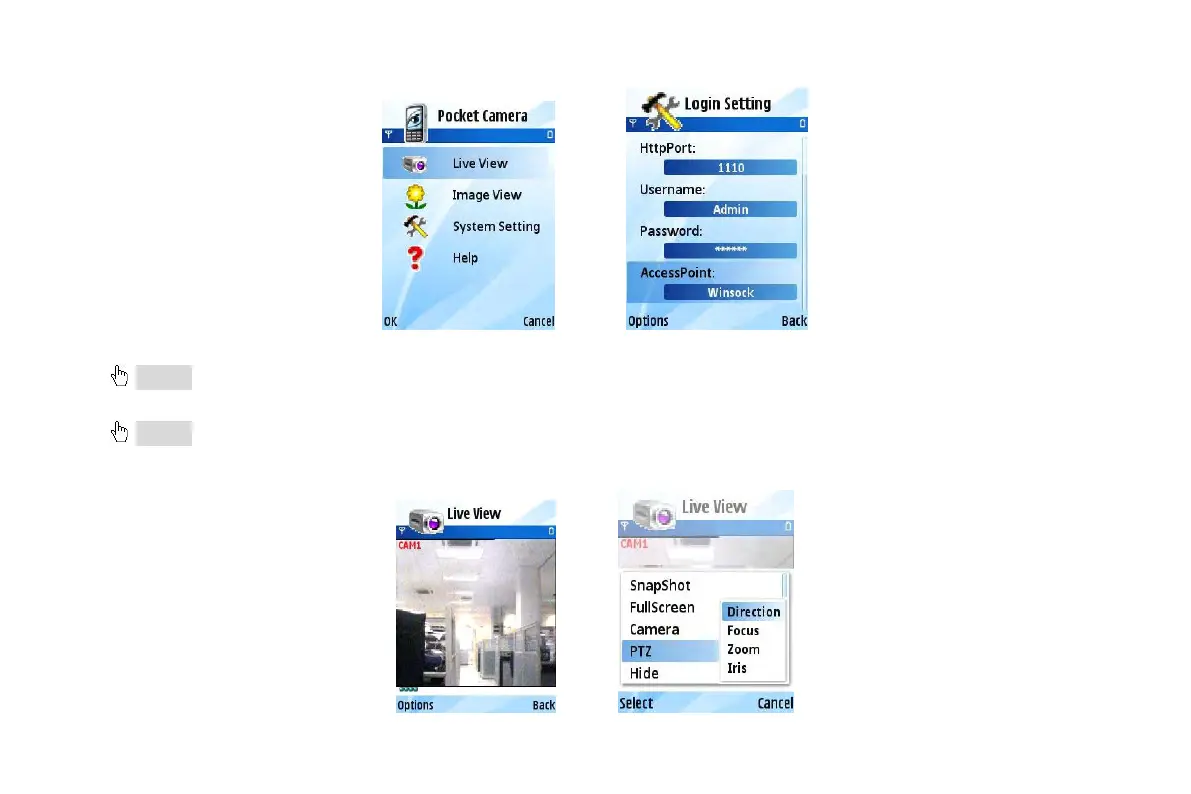
Step8:Input the server’s address, ID and password respectively. Then save.
Notice: About Access point, there may be different access points in different countries or from service providers.
Step9:Enter Live View, it will connect the server and display pictures. Refer picture in the left:
Notice: User name and password here are the same with that used on the DVR. The default is admin and 123456.
Step10:In Live View, users can do snapshot, change channels and control PTZ. Refer picture in the right:
VOOK professional monitoring



 To Next Page