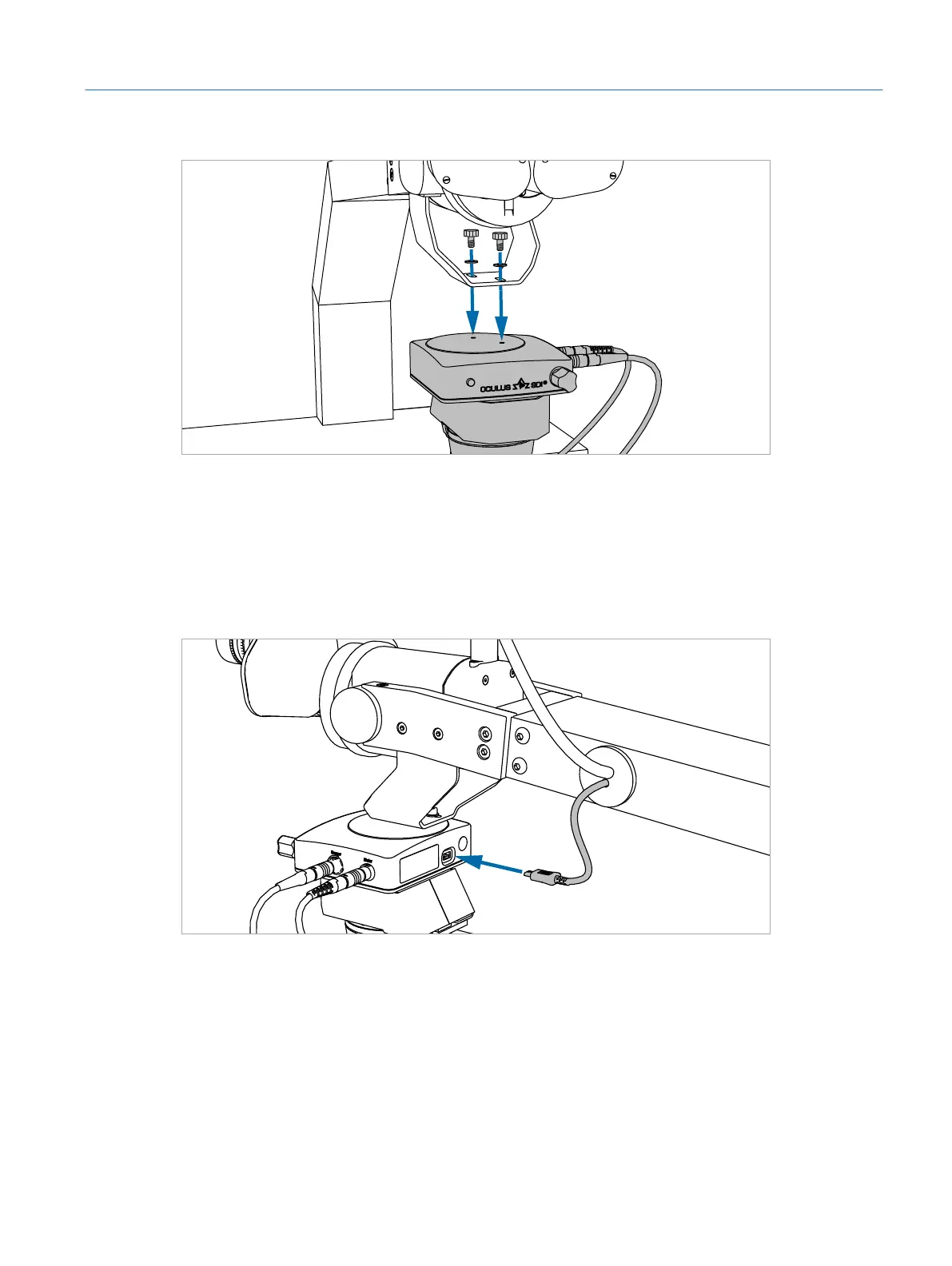
Fig. 17: Connecting the BIOM
2. Insert the two supplied knurled screws with washers into the holes.
3. Tighten the screws by hand until they are firm.
▷ The BIOM is mounted to the microscope arm.
4. Plug the USB cable coming out of the microscope arm into the USB port of the
BIOM (ÂFig. 18 on page29).
Fig. 18: Plugging the USB cable into the BIOM
5. Plug the other end of the USB cable coming out of the back of the micro-
scope arm into an USB port on the back side of the simulator PC (ÂFig. 6 on
page21).
29
Installation
Eyesi Surgical Simulator – Installation and Operating Guide



 To Next Page