40
Components
Installation
WABCO TPMS Manager software update
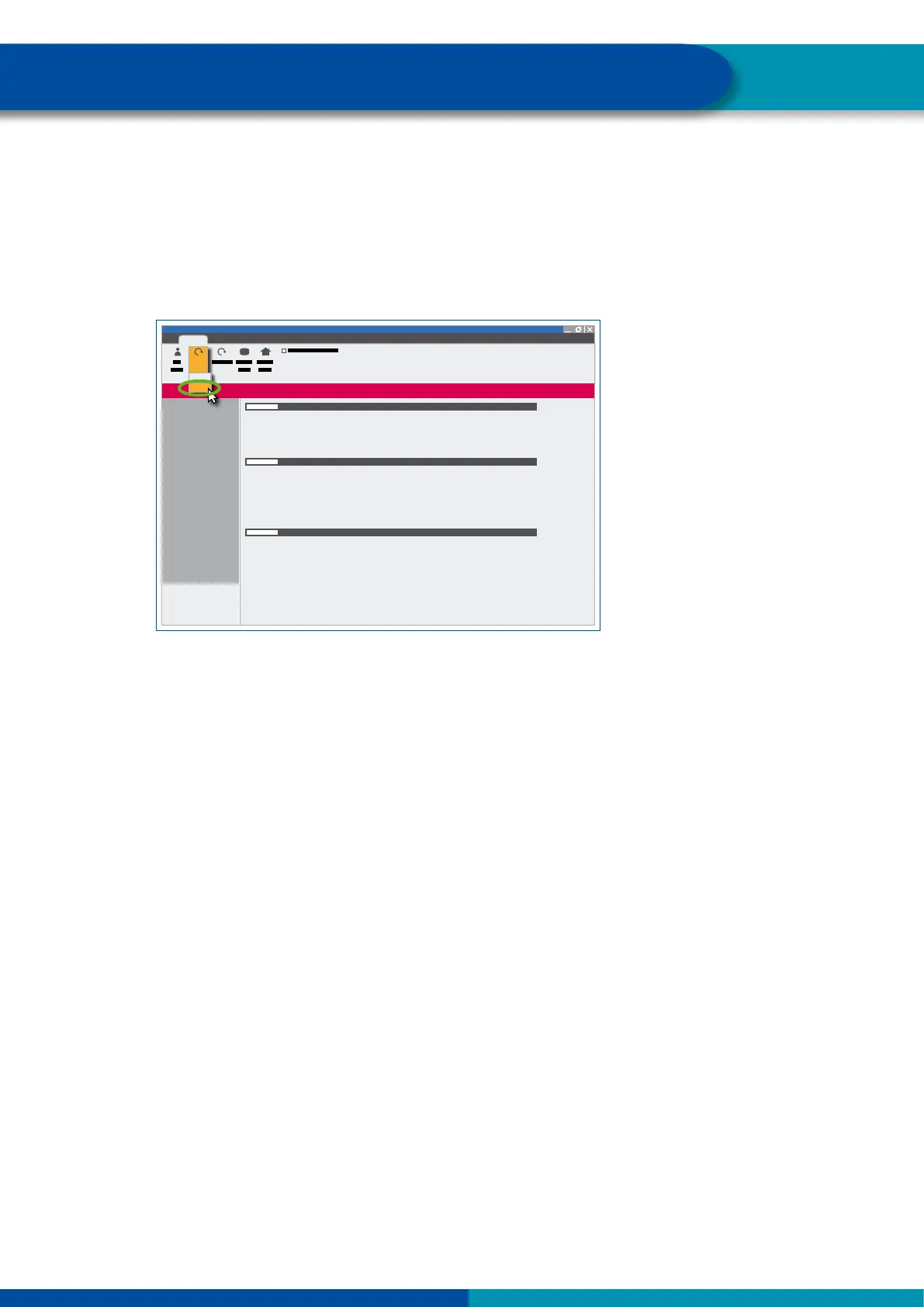
1. Start the WebVT software.
2. Connect the WABCO TPMS Manager to your PC using the supplied USB cable.
3. Click on the My Tools tab.
4. Click Update and select Full.
5. Wait until the update is complete.


 To Next Page