66
Operation
Operation
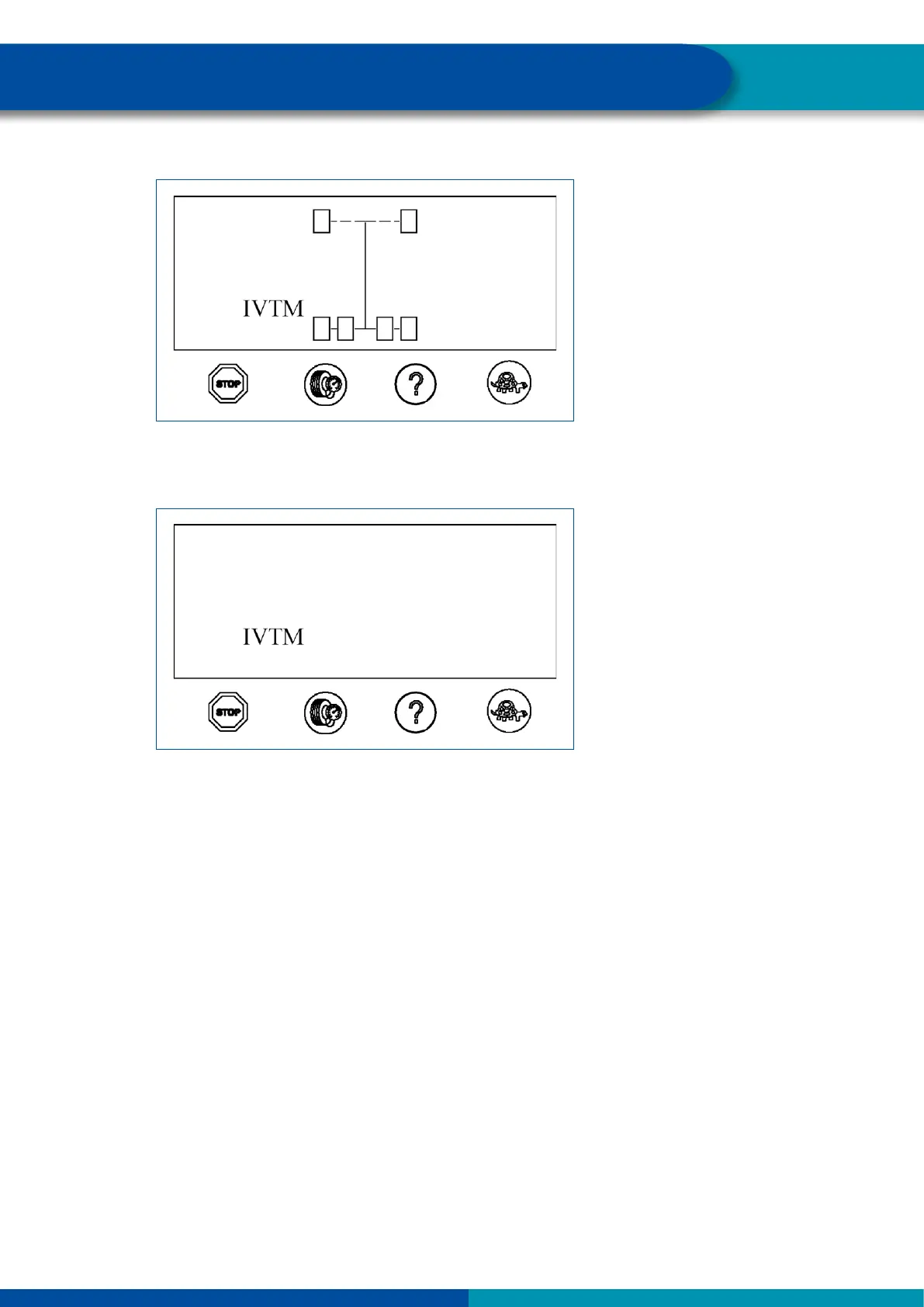
System check
The display will change to normal mode if all pressures are correct.
Normal mode
10.3 Checking pressure values
Proceed as follows to display the pressure values of the individual tires:
– Press the button with the tire symbol.
The axle of which the pressures are displayed, is marked on the display.
Left pressure value on the display corresponds to left tire in driving direction.
Right pressure value on the display corresponds to left tire in driving direction.


 To Next Page