4-18 BA EZ26 en/us* 1.0 * EZ26_01_400.fm
4 Putting into operation
1. Stop and park the vehicle Stop the engine See “Preparing lubrication”
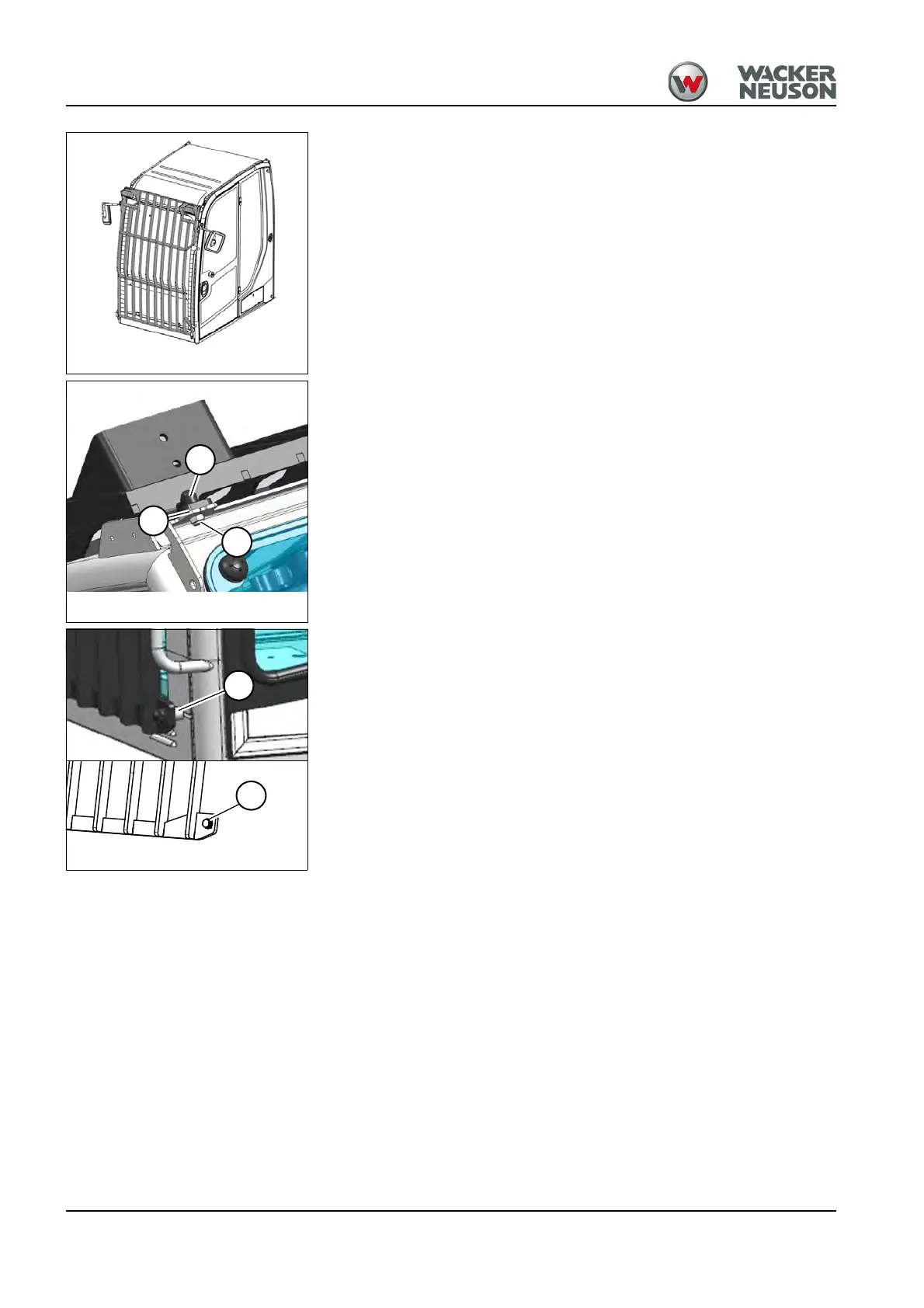
K: mounting points top left and right.
2. Install screws L and lock nuts M and tighten to 110 Nm (81 ft.lbs.).
P: mounting points bottom left and right.
3. Install screws Q and tighten to 110 Nm (81 ft.lbs.).
Put caps on all screws and nuts.
Fig. 98
Fig. 98 (symbolic representation)











 To Next Page