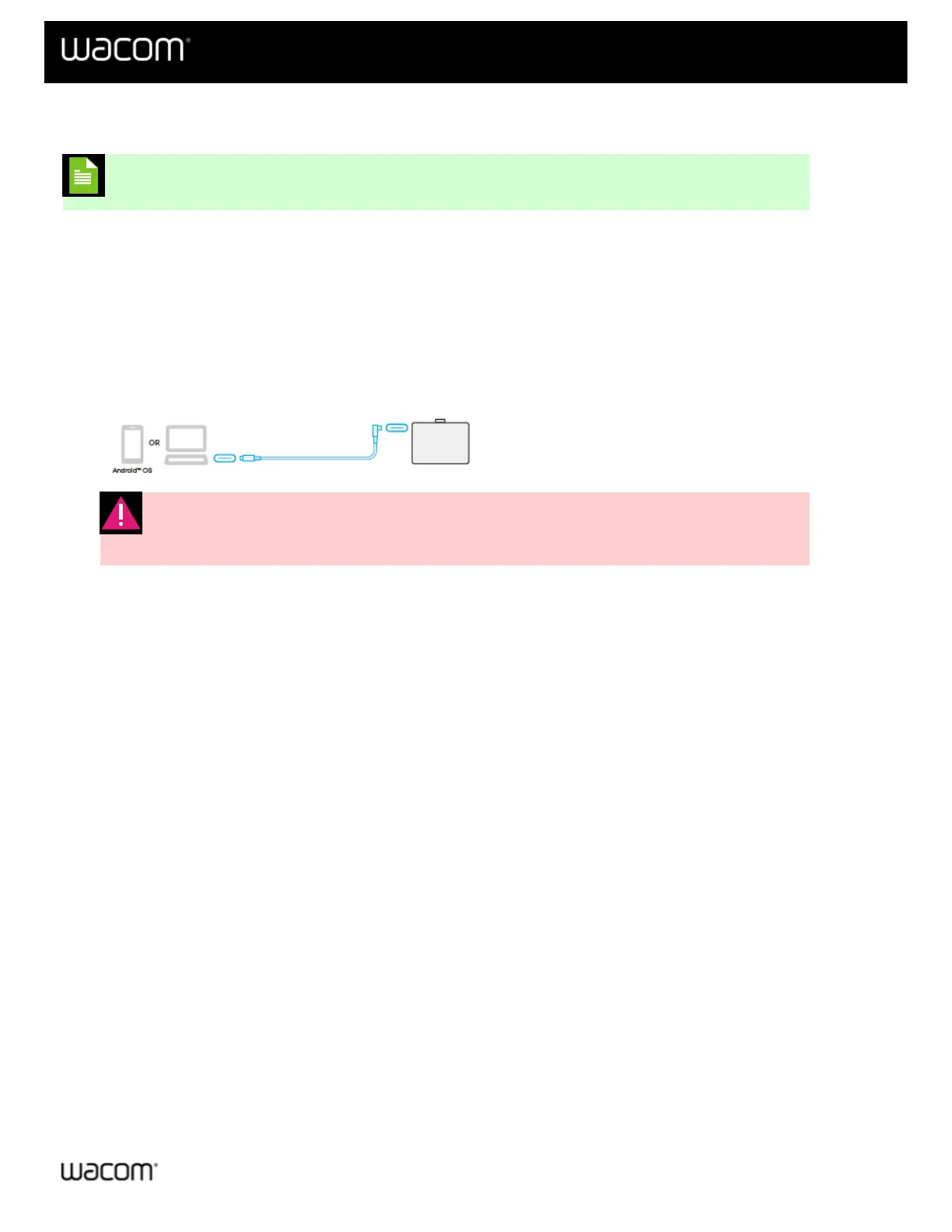
Connect to your computer
Note: "Wacom One" refers to both the Wacom One S and the Wacom One M.
After you have removed your Wacom One from the box and are ready to begin using it, complete the steps below to
connect to your computer. You can also reference the Quick Start Guide included in the Wacom One box.
To connect your Wacom One via Bluetooth, see the Connect wirelessly by Bluetooth instructions.
Connect using the USB-C cable
1. Connect your Wacom One to your computer or Android device using the USB cable included with your device,
or purchased on the Wacom eStore.
Warning: Use the USB cable designed for your Wacom One. Other cables are not
compatible and may damage your device.
2. Install the Wacom driver and start using your device.
| Do not share my information | Cookies | Terms of use | Privacy Policy | California Privacy















 To Next Page