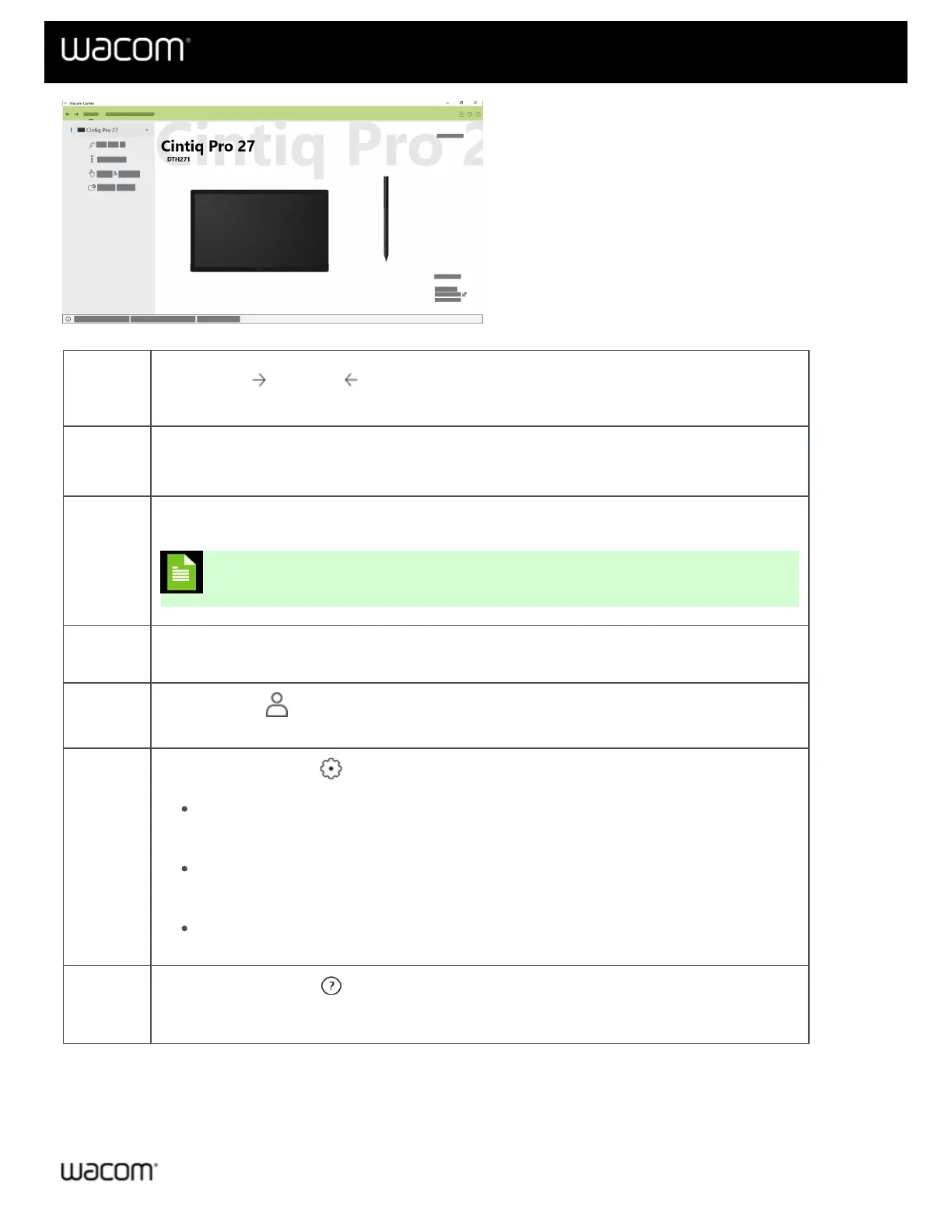
The above screenshot is for illustrative purposes; it may not match your screen.
Forward
& Back
buttons
The Forward and Back buttons move you forward one page or return you to the previous
page within Wacom Center.
Devices
Select Devices in the navigation bar to display a list of your connected devices in the Devices
sidebar.
On-
screen
shortcuts
Select On-screen shortcuts in the navigation bar to create and/or edit Radial menus, Grid panels,
and – on some devices – Pen gestures.
Note: "On-Screen Controls" are now On-screen shortcuts.
Bonus
Pack
Log in with your Wacom ID and register your device to view, download, and redeem any available
software offers.
Profile
settings
Click the Profile icon to create (or log into) your Wacom ID and register your device. Registering
your device gives you access to any available software offers and other Wacom promotions.
Global
settings
Click the Global settings icon to access the following tabs:
General settings: Update your Wacom driver and device firmware, turn on/off the Quick
help bar, set whether Wacom Center automatically starts when you turn on your computer, or
run troubleshooting options.
Device manager: This tab displays all of your connected devices and pens. From this tab
you can register any device that is not currently registered. Click the Edit link to give your
device or pen a custom name, or reset all of your settings to the factory defaults.
Backup & restore: Create backup files and restore your device settings.
Help &
support
Click the Help & support icon to access links to User Help, tutorials, Important Product
Information, customer support, and Wacom's social media sites. You can also perform a Wacom
driver check, report a bug, and find your Wacom Center version number.
Devices sidebar
The Devices sidebar is located on the left side of Wacom Center and lists each device that is currently connected to















 To Next Page