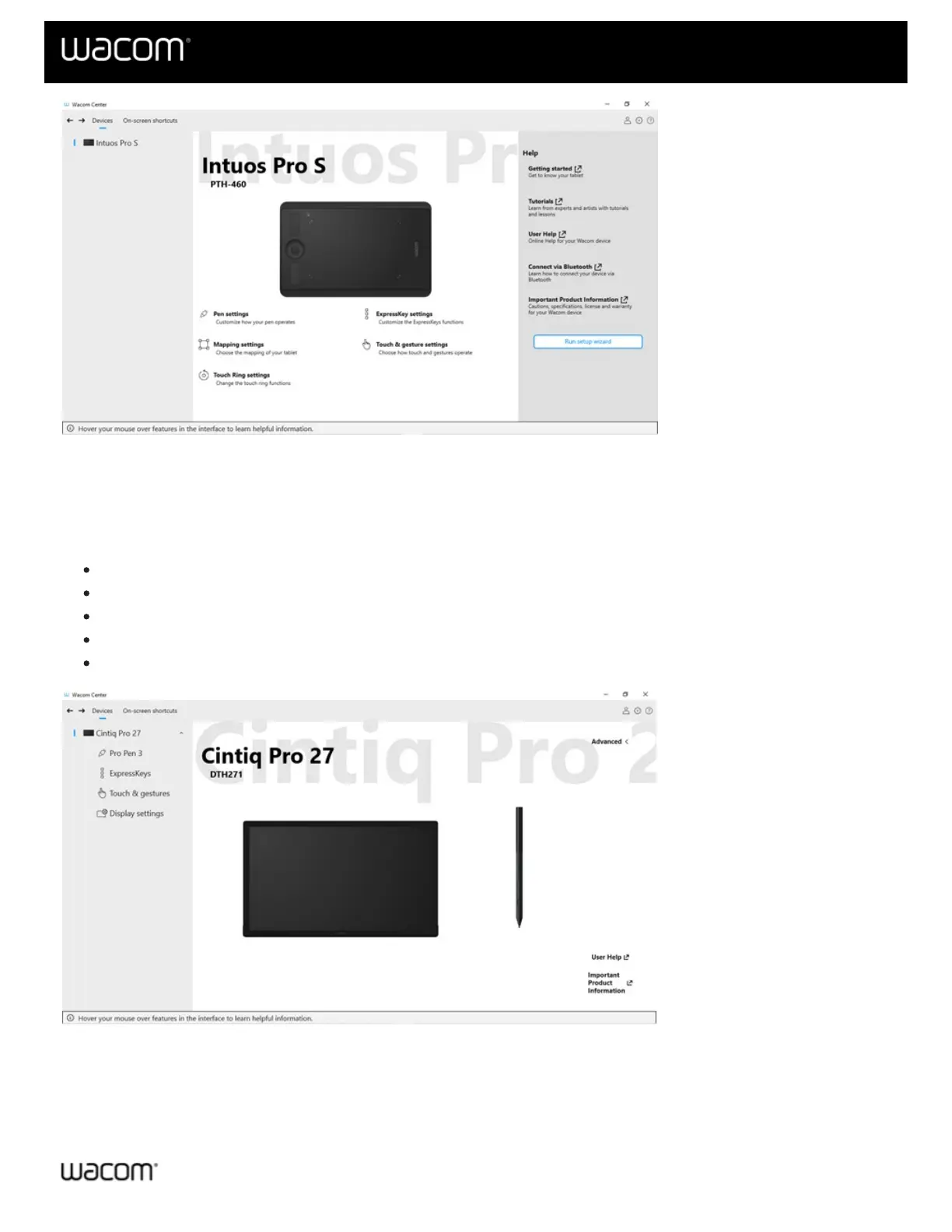
The above screenshot is for descriptive purposes; it may not match your screen.
Get to know Wacom Center
To learn about the features available in the various sections of Wacom Center, click on one of the following links, or
on a highlighted section of the screen shot below.
Navigation bar (green highlight)
Devices sidebar (blue highlight)
Main content area (yellow highlight)
Quick help bar (purple highlight)
Action sidebar (not pictured)
The above screenshot is for
illustrative purposes; it may not match your screen.
Navigation bar
The navigation bar is located at the top of Wacom Center and contains the features described in the table below.















 To Next Page