Replace the pen nib
Tip: Replace your pen nib when it is approximately 1 mm (1/25 inch) or has a sharp edge.
Topics on this page
Replace the pen nib
Where to find the nib remover
Where to find replacement nibs
Replace the pen nib
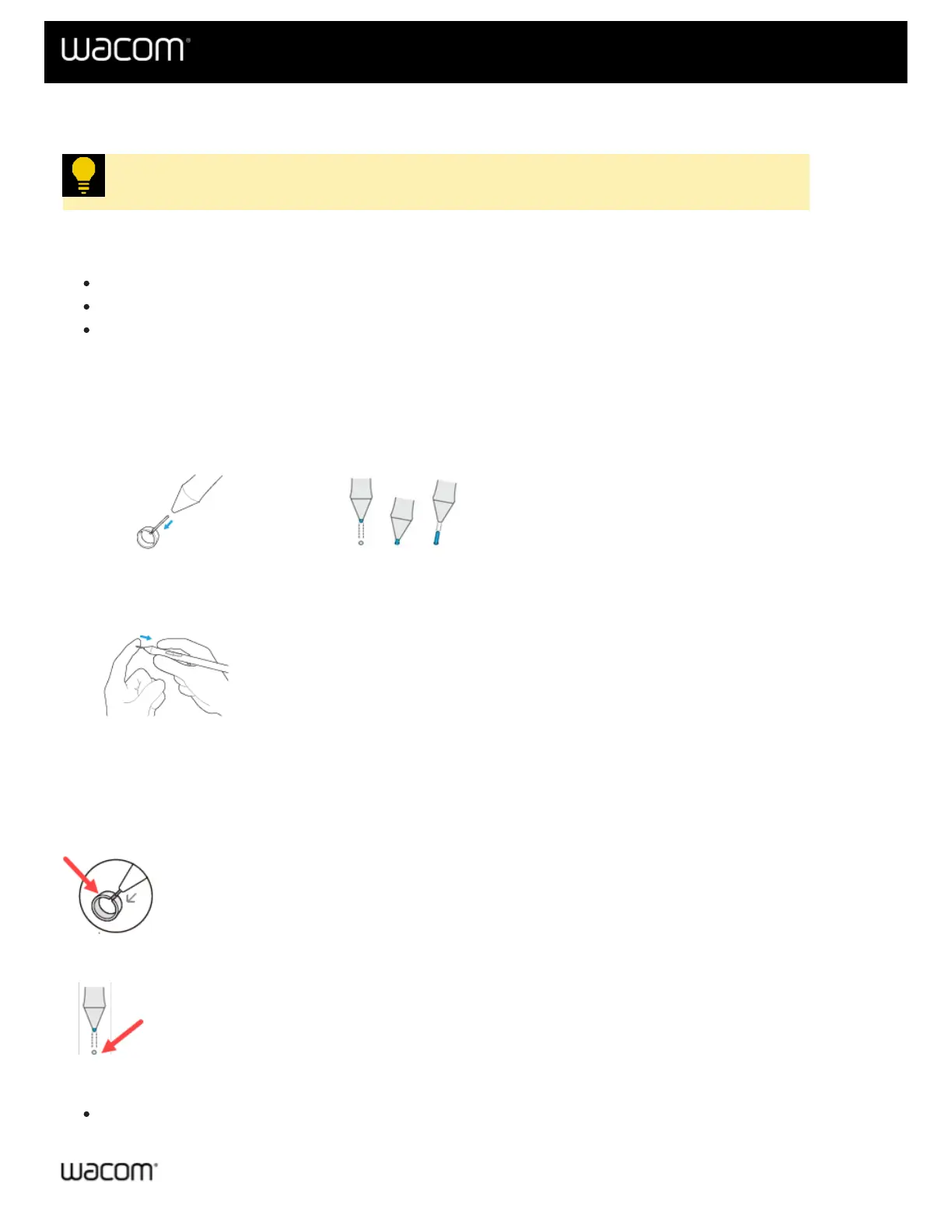
1. If it is included with your device, use the round, metal nib removal tool to remove your pen nib. If the metal nib
removal tool is not included, use a built-in nib remover. Also see: Where to find the nib remover.
Round, metal nib removal tool The built-in nib remover, located in a variety of locations.
2. Get a replacement nib and slide the end of the new nib straight into the barrel of the pen.
3. Push the nib in slowly and firmly until it stops.
Where to find the nib remover
Many devices come with a round, metal nib removal tool included in the box with your Wacom device:
Other devices come with a built-in nib remover:
These built-in nib removers can be located in a variety of locations:
On the bottom of a pen stand:















 To Next Page