On-screen shortcut layouts
Sample layouts for Grid panels, a Radial menu, and Pen gestures are pictured below.
Topics on this page
Grid panel layouts
Radial menu layout
Pen gesture layouts
Grid panel layouts
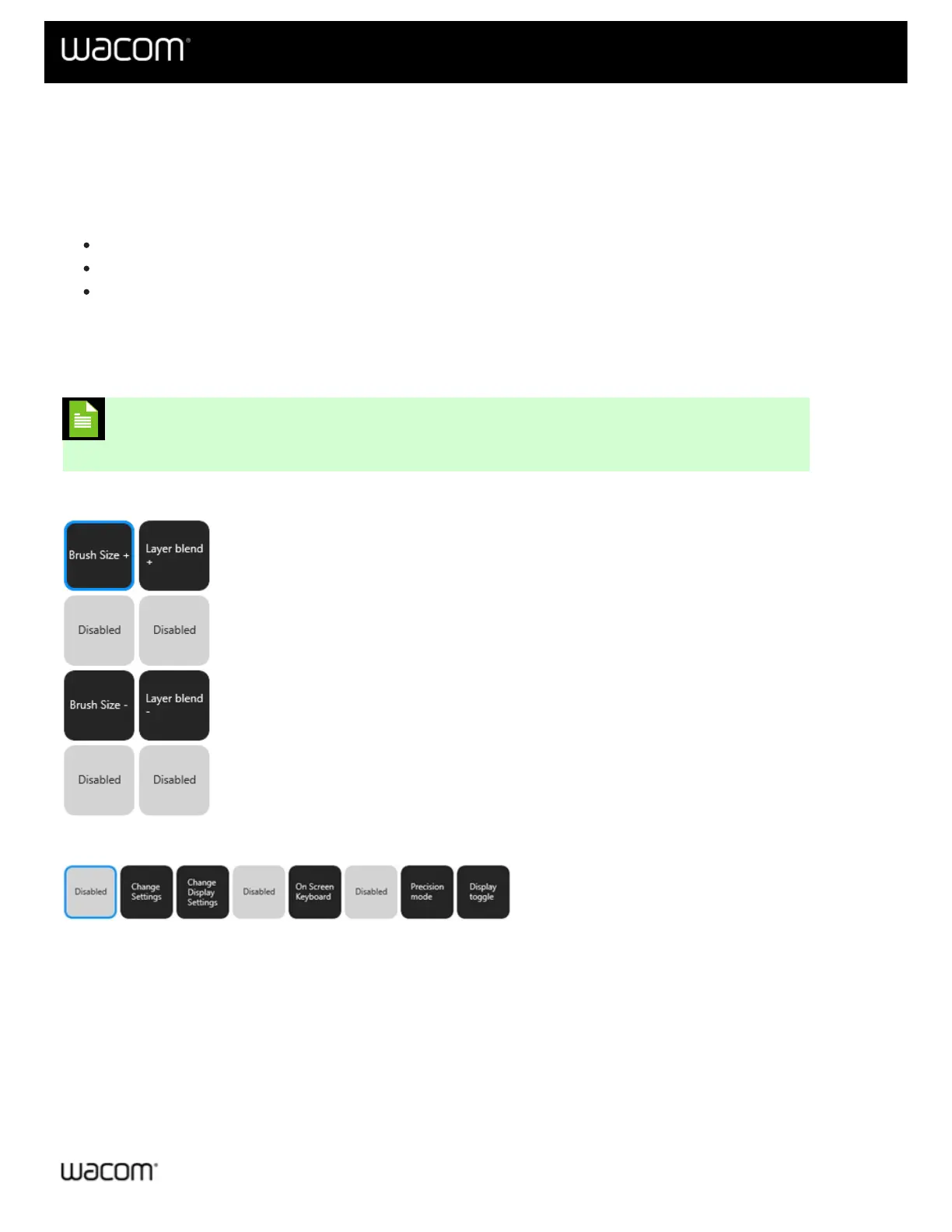
Three Grid panel examples are pictured below.
Note: You can change the layout of one Grid panel to another Grid panel. See Change a Grid
panel layout for more information.
Double column (4x2) Grid panel:
Single row (1x8) Grid panel:
Keypad (7x4) Grid panel (similar to the keyboard keypad that displays on your computer monitor):















 To Next Page