75
ProfiTech M
OPERATING MANUAL
VERSION 07/2014 ORDER NUMBER DOC 2335144
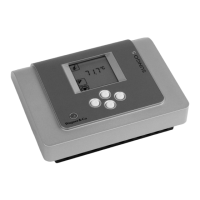
5. Press " " key, the set nodeID is displayed.
The numerical value with the bright background is
increased by one by pressing the "
" key.
Pressing the " " key switches to the next column of
numbers.
6. Press "
" key, the "Selection con rmation" symbol is
displayed with a bright background to the left of the
node ID.
Either the "Reject selection" function or "Return to
selection menu" function is set by pressing the "
"
key.
The set function is adopted by pressing the "
" key.
7. Press "
" key, the "NodeID" function is displayed.
8. Press "
" key until the "Back" function is displayed
with a bright background.
9. Pressing the " " key takes you back to the superordinate
menu.


 To Next Page