Lexa PLUS| Instructions for Use |RIS-311 ENG Rev03 |29/08/2022 |© W&H Sterilization Srl 31
Getting started
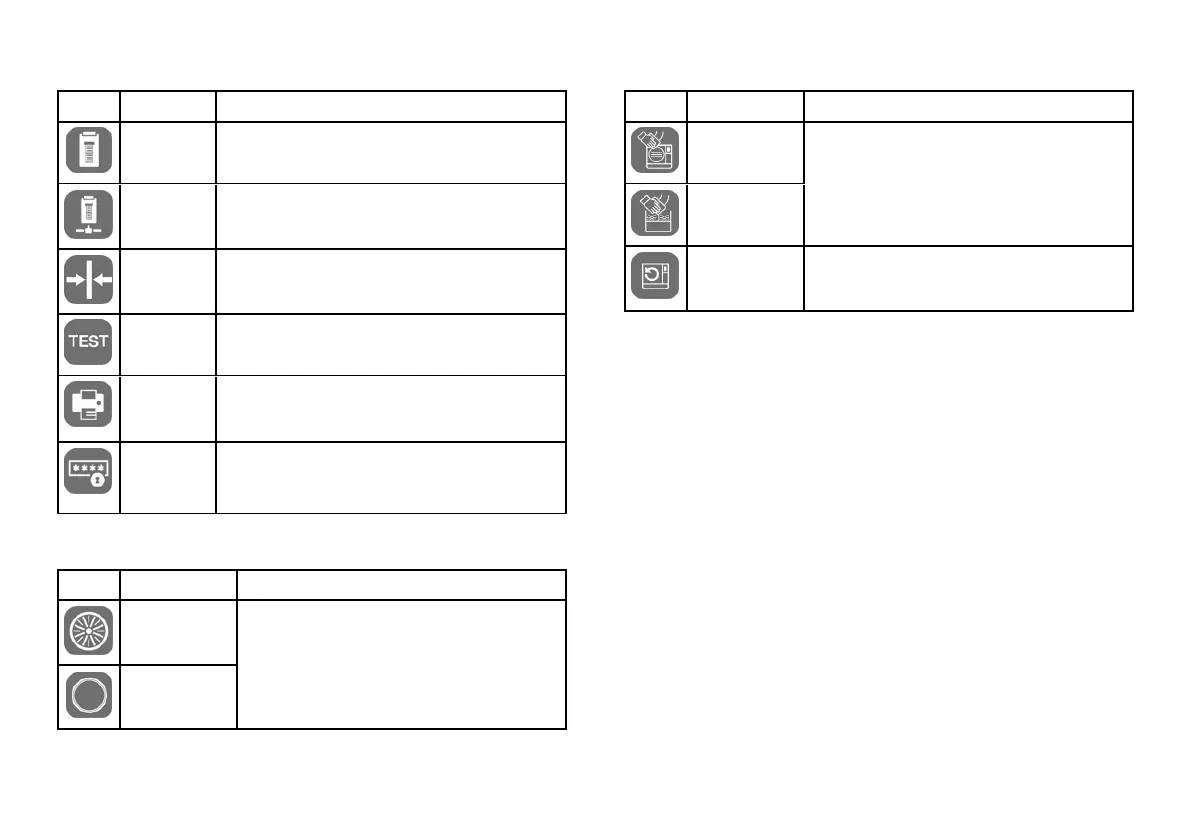
Icon Label Function
Local Printer
Selects a printer connected to the sterilizer.
Shared
Printer
Selects a printer connected to another sterilizer
(connected via local network)
Calibration
Adjusts the label printer to the edge of the label.
Test
Prints a test label.
Printer
Selects the printer model connected to the sterilizer. The
icon appears disabled if the printer/Ethernet cable/Wi-Fi
dongle key is not connected.
Special
Codes
Saves the codes issued by the manufacturer to activate
special functions.
Note: only for technical support..
MAINTENANCE MENU FUNCTIONS
Icon Label Function
Bact. Filter
n Shows the status of the consumables;
n Resets the cycle counter;
n Displays the consumable replacement
procedure videos.
Door Gasket
Icon Label Function
Chamber
Cleaning
n Shows the status of the cleaning operations;
n Resets the cycle counter;
n Displays the cleaning procedure videos.
Tank Cleaning
System Update
Installs and upload the software.



 To Next Page