Scanning connected instruments 2-5
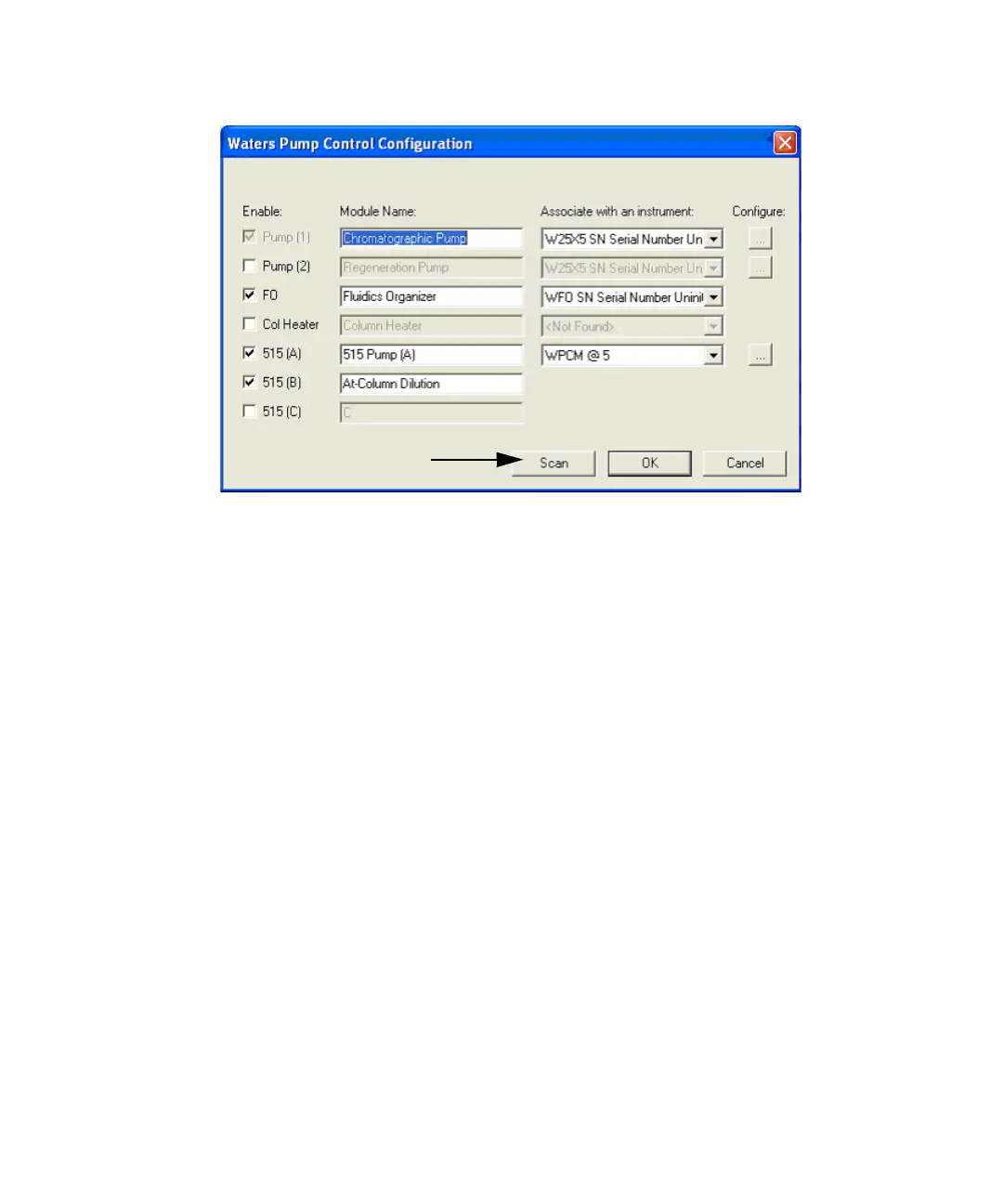
Waters Pump Control Configuration dialog box
5. Click Scan.
If scanning does not complete in a few minutes, ensure that:
• The cables are correctly and securely attached.
• The on/off switches are set to On.
• Communication settings are correctly specified.
See also: “Setting up instruments” in FractionLynx Help.
6. After all devices complete the scanning process, click Close.
7. For Pump (1), the chromatographic pump, select the 2545 Binary
Gradient Module serial number in the “Associate with an instrument”
list.
8. Click OK to save the scanned information.
9. If the system does not have any 515 pumps, select LC > Reset
Communications, continue with Creating the inlet method on page 2-8.
If the system has one or more 515 pumps, continue with Configuring 515
pumps on page 2-6.



 To Next Page