Maintaining the instrument air filters 5-87
Maintaining the instrument air filters
Cleaning the air filter inside the instrument’s lower bezel
Required materials:
• T10 TORX driver
• Vacuum cleaner
To clean the air filter inside the instrument’s lower bezel
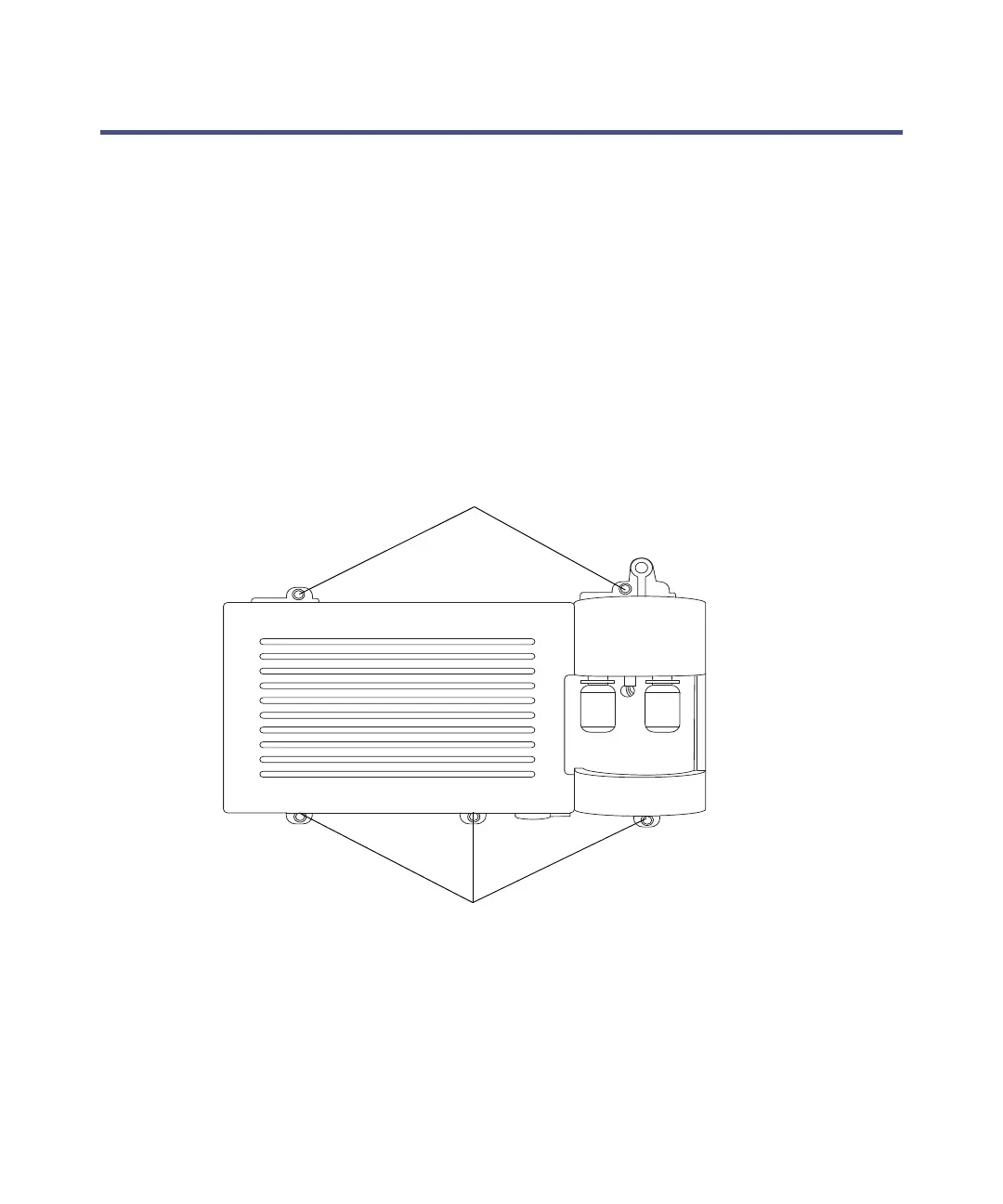
1. Use the T10 TORX driver to remove the 5 screws that secure the lower
bezel in place.
Instrument’s lower bezel
2. Use a vacuum cleaner to clean the air filter located inside the
instrument’s lower bezel.



 To Next Page