5-88 Maintenance Procedures
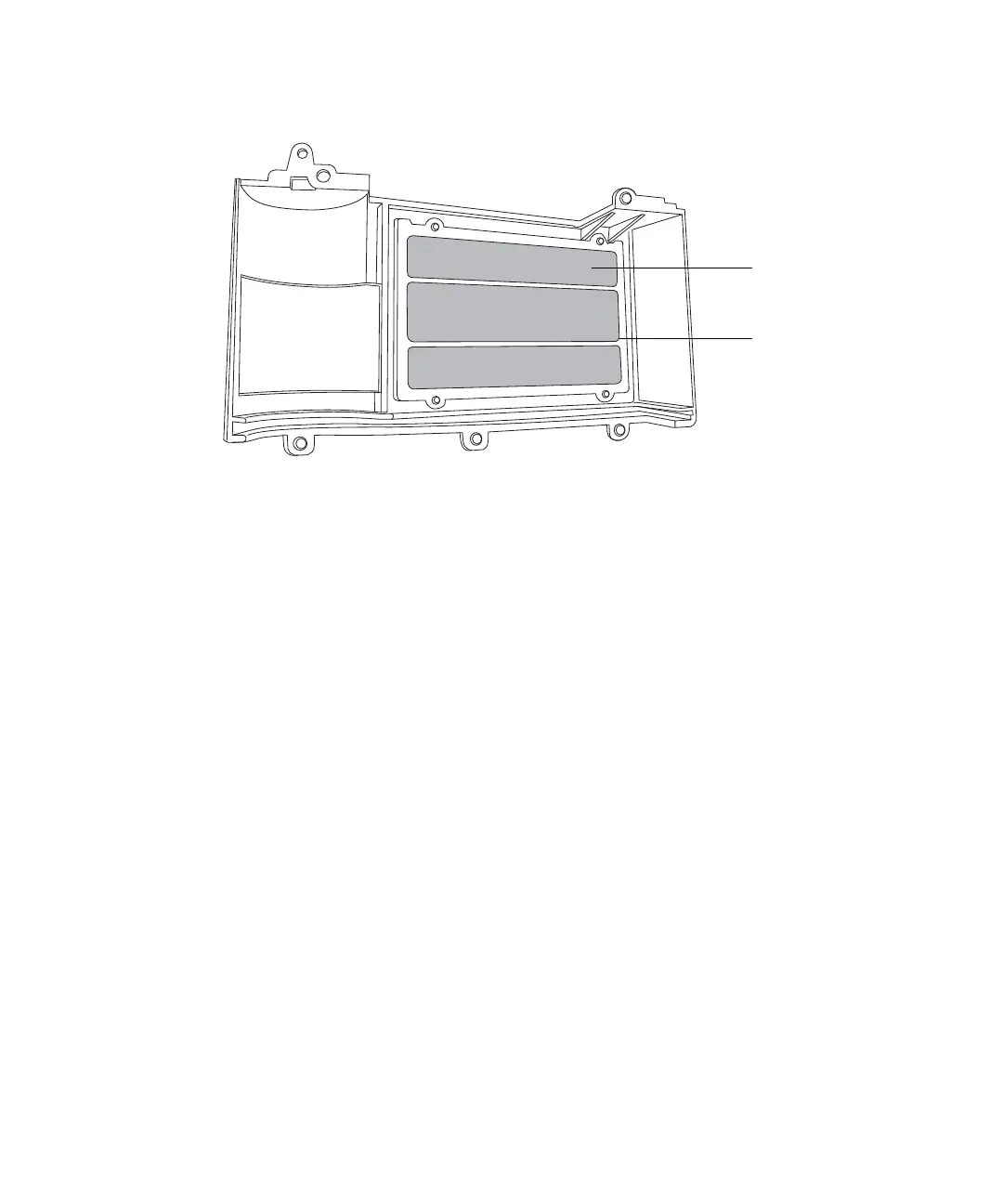
Air filter inside the instrument’s lower bezel
3. Reinstall the lower bezel.
Replacing the air filter inside the lower bezel
If you cannot clean the air filter by vacuuming, replace it with a new filter.
Required materials:
• T10 TORX driver
• 3100 Detector lower bezel air filter
To replace the air filter inside the lower bezel
1. Remove the 5 screws that secure the lower bezel in place (see the figure
“Instrument’s lower bezel” on page 5-87).
2. Use the T10 TORX driver to remove the 4 screws that secure the air
filter frame and air filter to the inside of the lower bezel.



 To Next Page