5-32 Maintenance Procedures
3. Slide the cone gas assembly out of the ion block assembly.
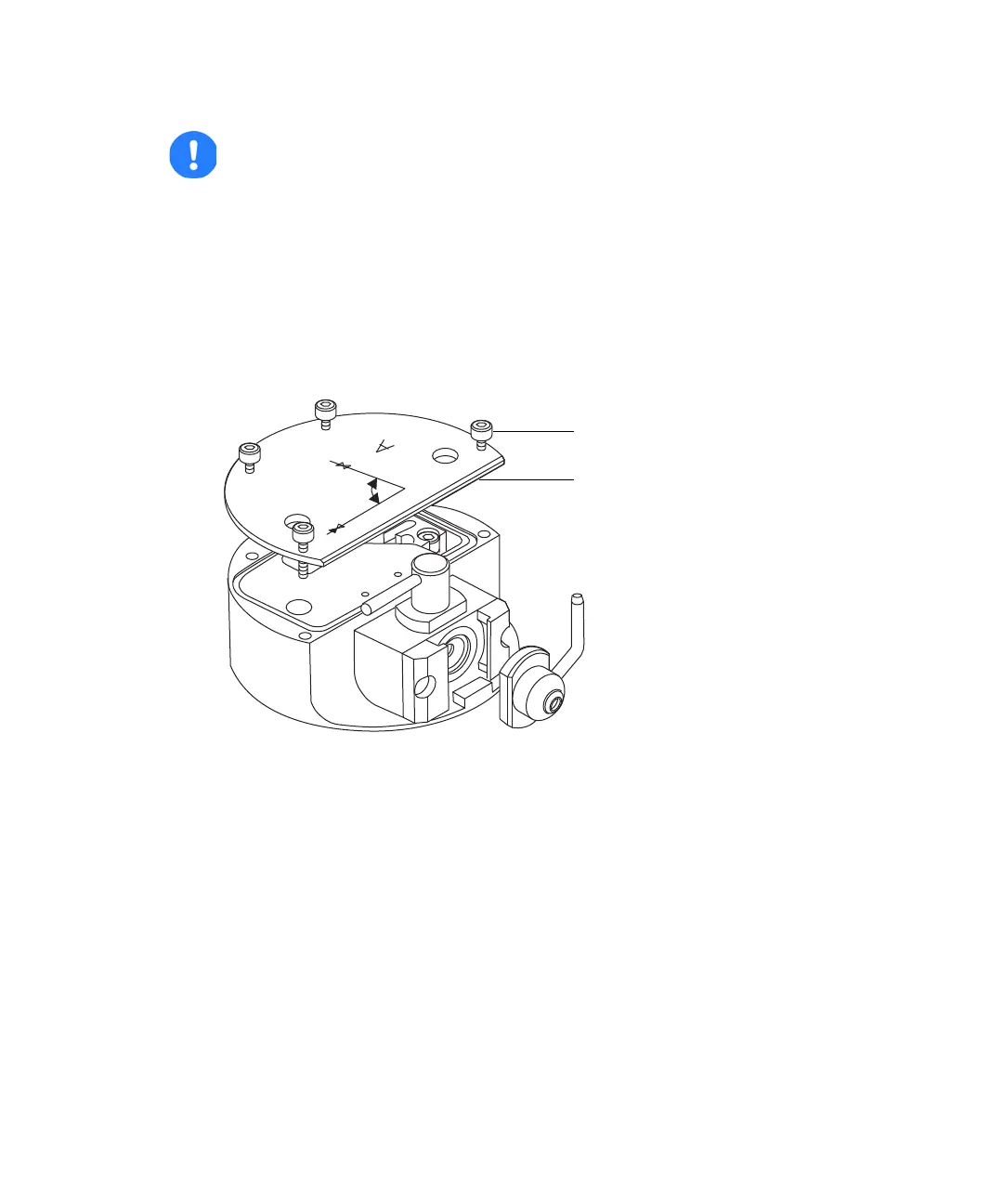
4. Use the 2.5-mm Allen wrench to loosen the 4 ion block cover plate
captive securing screws.
5. Remove the ion block cover plate.
Caution: To ensure correct operation of the ion block assembly after
reassembly,
• the gas cone position block must not be removed
• the screws holding the gas cone position blocks in place must not be
adjusted.
Ion block cover plate securing screw
Ion block cover plate



 To Next Page