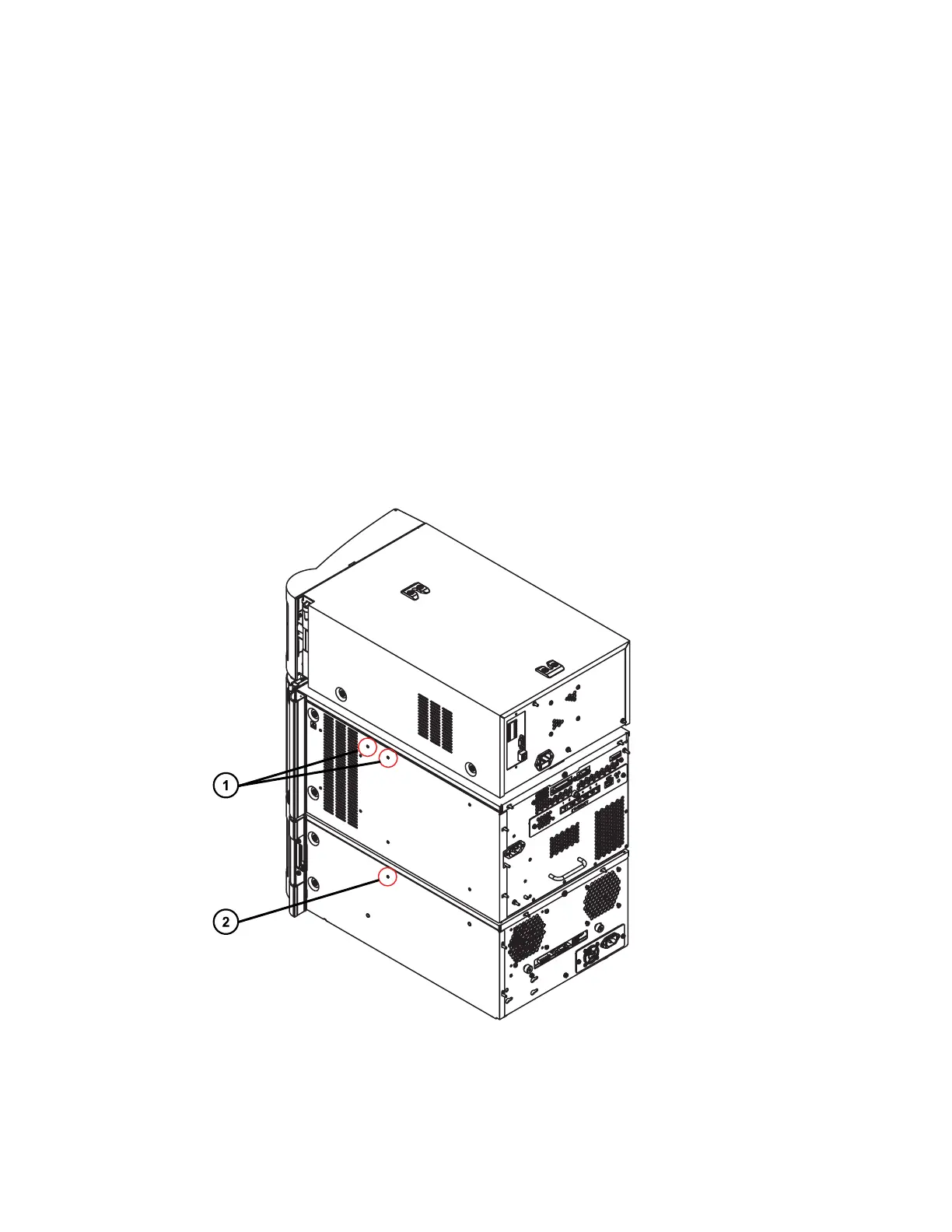
the right-hand side of the solvent-manager chassis. The standoffs are required to properly
position the column compartment next to the system stack.
Required tools and materials
• T20 TORX driver
• Column compartment startup kit, containing the standoff assemblies and necessary mounting
hardware
To attach the standoffs:
1. Power-off the sample manager and solvent manager.
2. Remove the 3, blue caps from the right-hand side of the sample manager and the right-
hand side of the solvent manager, to expose the threaded holes used for securing the
standoffs.
Figure 2–1: Removing the blue caps from the sample-manager chassis and solvent-
manager chassis
December 5, 2017, 715004751 Rev. C
Page 20











 To Next Page