June 28, 2016, 715003956 Rev. C
Page 23
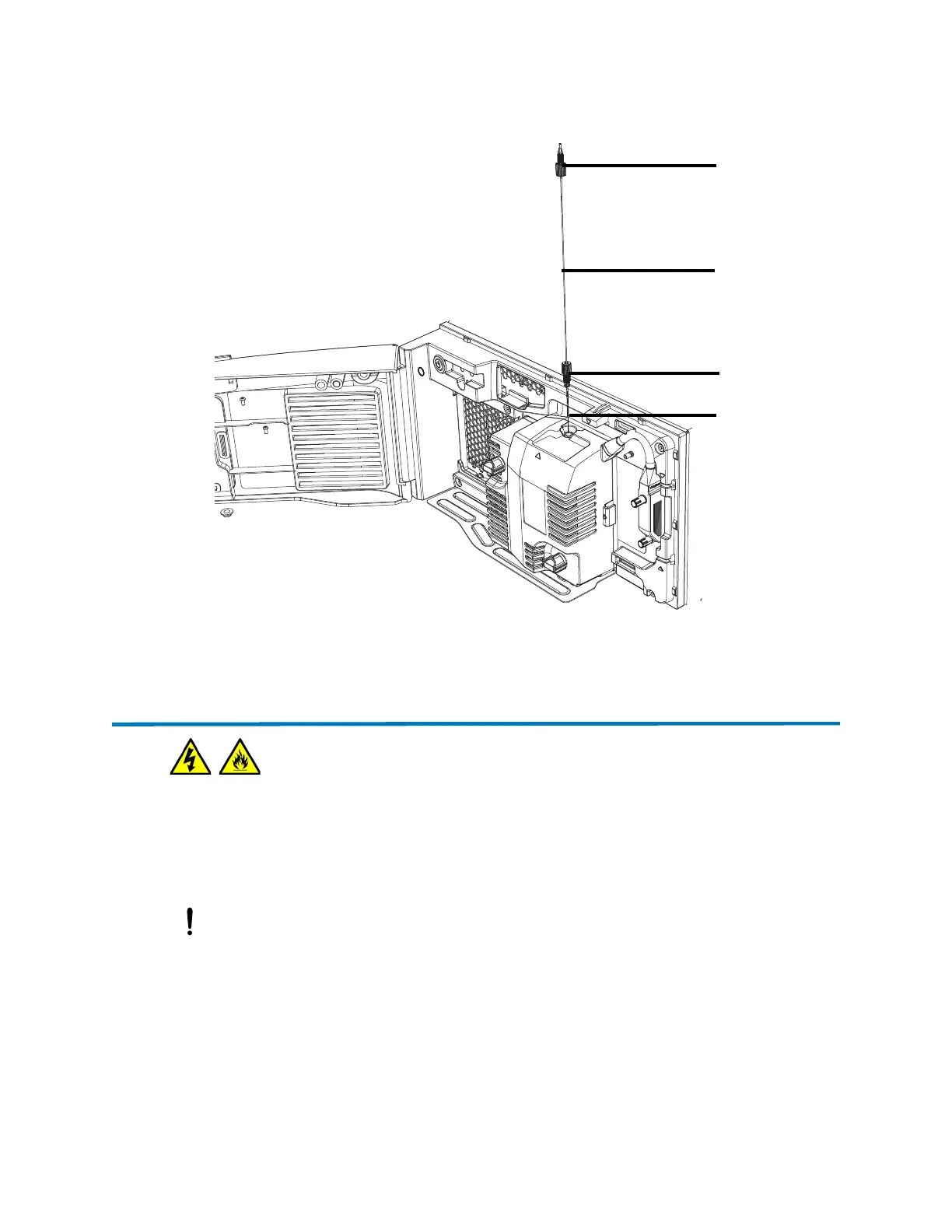
Figure 2–1: Inserting the probe
3. Secure the probe tubing to the side of the source enclosure using the clip.
2.4 Starting the instrument
Starting the instrument entails powering-on the ACQUITY workstation, logging into the
workstation, powering-on the instrument and all other ACQUITY instruments, and starting the
software.
Requirement: You must power-on and log in to the ACQUITY UPLC workstation first to ensure
that it obtains the IP addresses of the system instruments.
Warning: To avoid electric shock and burn injuries, follow these guidelines:
• Do not expose the data system or any ancillary equipment to dripping or splashing liquids.
• Do not place objects filled with liquid, such as solvent bottles, on the data system or ancillary
equipment.
Notice: To avoid damage to the instrument caused by incompatible solvents, refer to
Appendix C, page 71.
Probe assembly
Probe fitting
PEEK fitting
Capillary



 To Next Page