3-22 Troubleshooting, Testing, and Maintenance
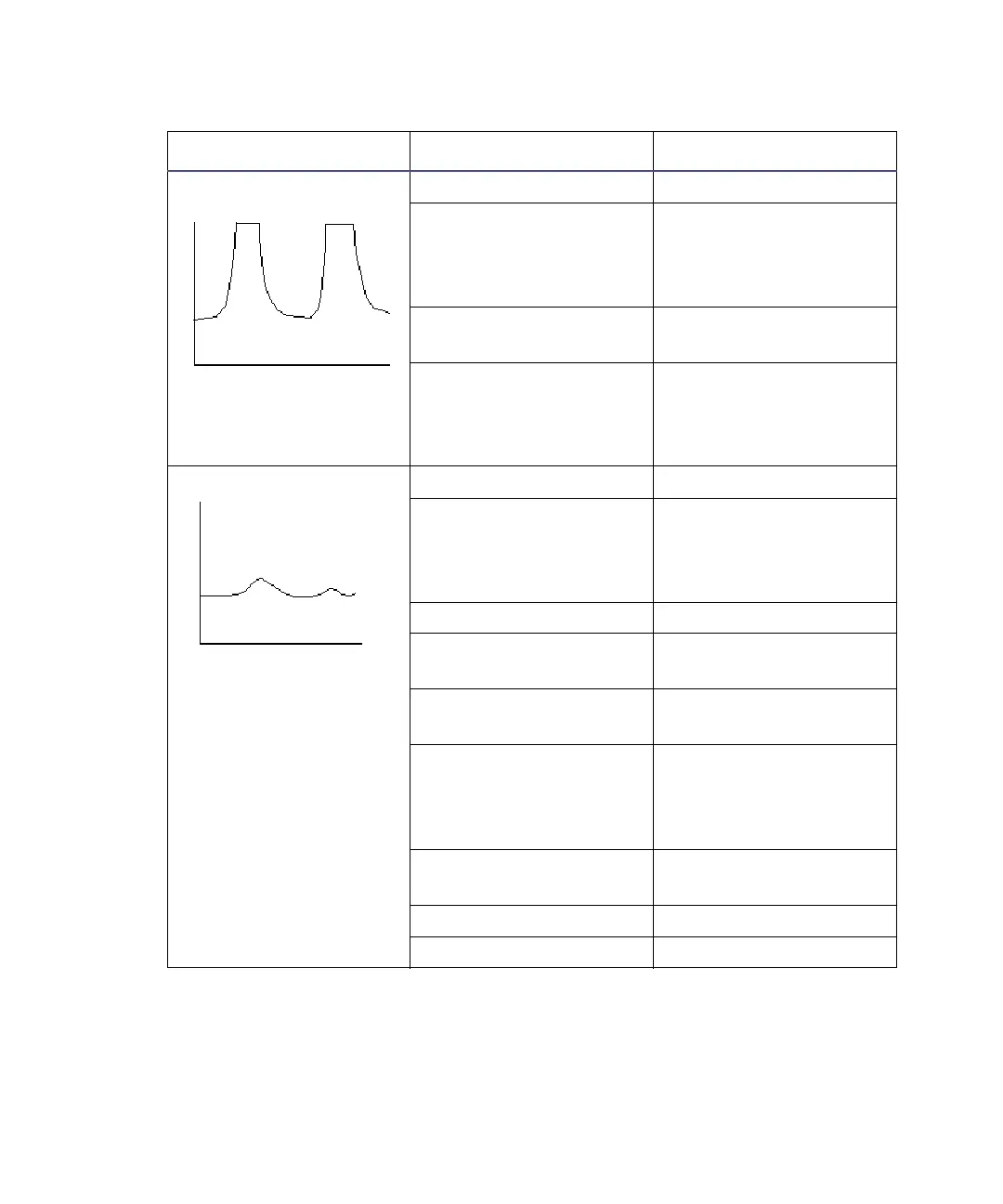
Flat-topped peaks Detector not zeroed Zero detector baseline.
Incorrect recorder input
voltage
Adjust recorder input
voltage, or adjust
detector output cable to
proper position.
Sensitivity too high Select a less sensitive
detector range.
Sample concentration
or injection volume
exceeds voltage output
of detector
Decrease sample
concentration or
injection volume.
Sensitivity loss Leak in injector Troubleshoot injector.
Degraded,
contaminated, or
improperly prepared
sample
Use fresh sample.
Column contaminated Clean/replace column.
Loss of column
efficiency
Clean/replace column.
Peaks wider than
expected
Troubleshoot injector.
Incorrect Filter
Constant
Set correct Filter
Constant value on
DETECTOR SETUP
screen.
Change in mobile phase
composition
Correct mobile phase
pH or ionic composition.
Leak in flow cell Tighten cell seal.
Incorrect flow rate Change flow rate.
Chromatography troubleshooting (Continued)
Symptom Possible cause Corrective action












 To Next Page