Assembling the system 2-9
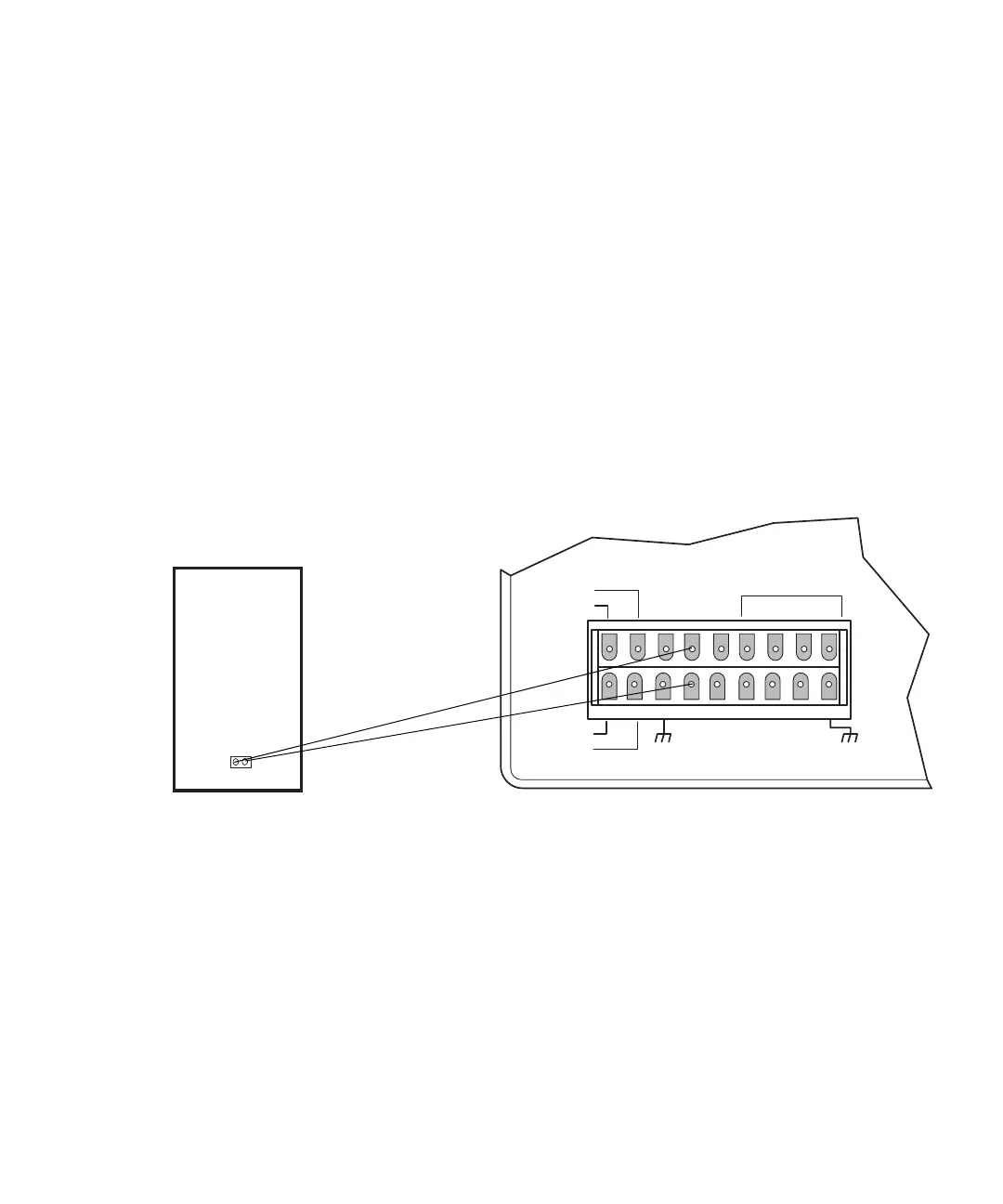
Connecting the M-1000 PrepPak module (optional)
The M-1000 PrepPak module generates an output that causes the controller to
abort pump action when radial compression in its chamber falls below 650 psi.
To connect the optional M-1000 PrepPack:
1. Connect the signal output to the Stop Flow terminal on the controller’s
rear panel.
2. Connect the M-1000 PrepPak module connector cable from the system
interface terminals on the rear of the module to the Stop Flow input
terminal on the controller’s rear panel.
If you are not using the M-1000 PrepPak module, see “Connecting additional
devices” on page 2-9.
Stop flow connection from the optional M-1000 PrepPak module
Connecting additional devices
You can connect devices to other terminals on the controller’s rear panel to
access system features. This section describes connections to the Chart,
Pressure, and S1 to S4 terminals.
Chart output
The Chart +/– terminals carry a 0- to 10-mV signal that represents a solvent’s
flow rate or percent composition of a solvent. The second channel of an
CHART +
PRESSURE +
CHART —
PRESSURE —
INJECT
STOP FLOW
HOLD
S1
S2
S3
S4
SWITCHES
GND
GND
GND
GND
AUX
+12V
PrepPAK Module
SYSTEM
INTERFACE
CONNECTOR
M-1000












 To Next Page