1-18 Overview
Screen keys
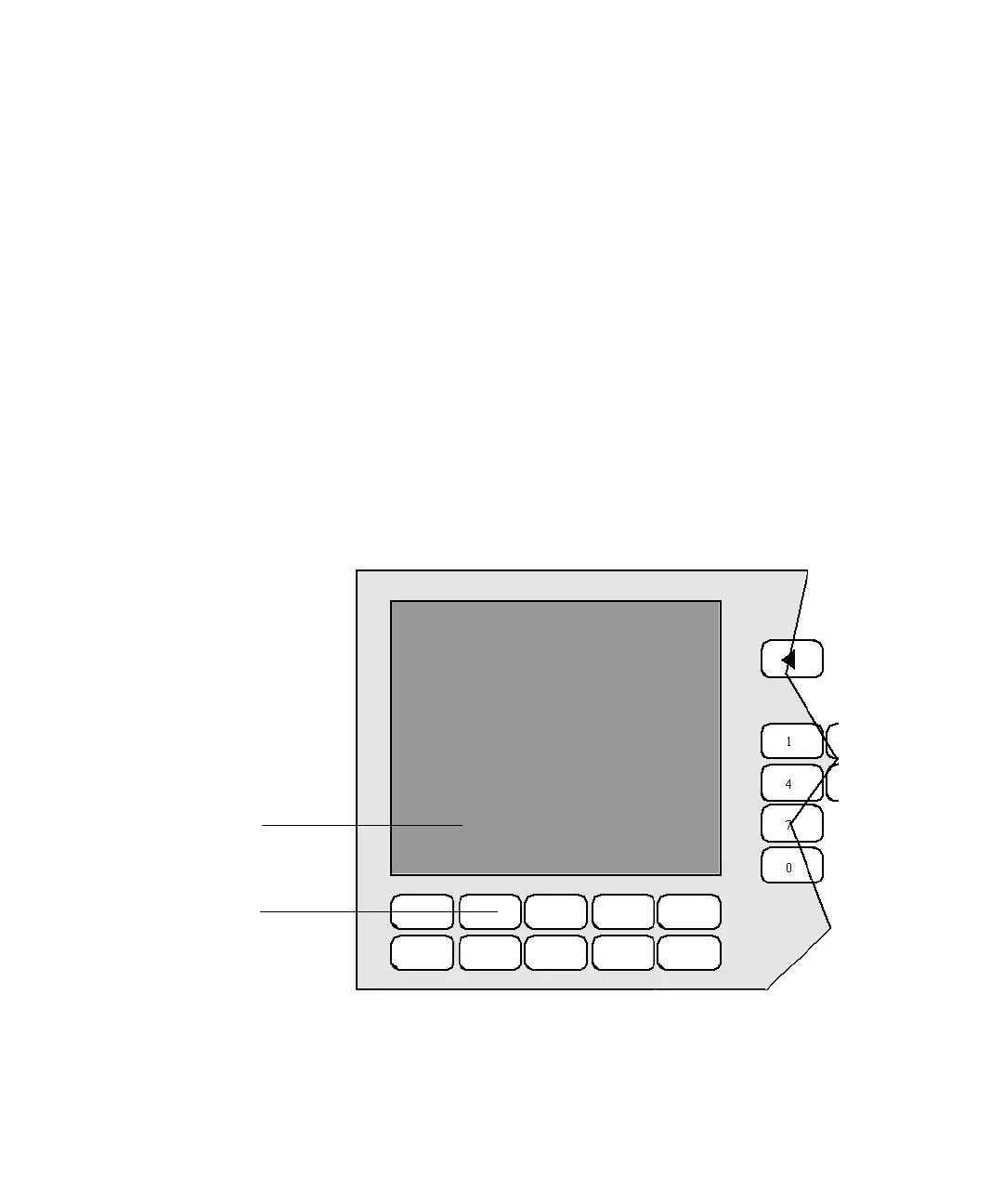
The five unlabeled screen keys are directly below the display screen. Labels
appearing at the bottom of displayed screens, directly above each screen key,
indicate the keys’ functions, which vary from screen to screen.
Some screens, like the OPERATE METHOD and OPERATE GRADIENT
screens, display the MORE screen key. Pressing this key displays a secondary
set of screen keys that apply to those screens.
Some screen keys act as toggles. When you press a toggle key, the screen label
changes to display an alternate function. For example, when you press LOCK
KEYBOARD, the screen label changes to UNLOCK KEYBOARD.
The screen key labels might also indicate system status. For example, the
leftmost key label on the OPERATE METHOD screen reflects the operating
mode of the system as it changes from IDLE to Inject WAIT to RUNNING.
The figure below shows the location of the label relative to the key.
Clear line screen key and its on-screen label
To initiate a function, press the screen key directly below its on-screen label.
Set Up
Direct
Operate
Program
Program
Method
Method
Table
Help
SSSSS
Screen
function
label
Clear line
screen key
Clear
line












 To Next Page