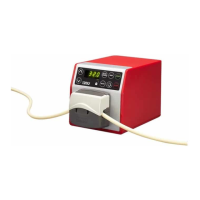
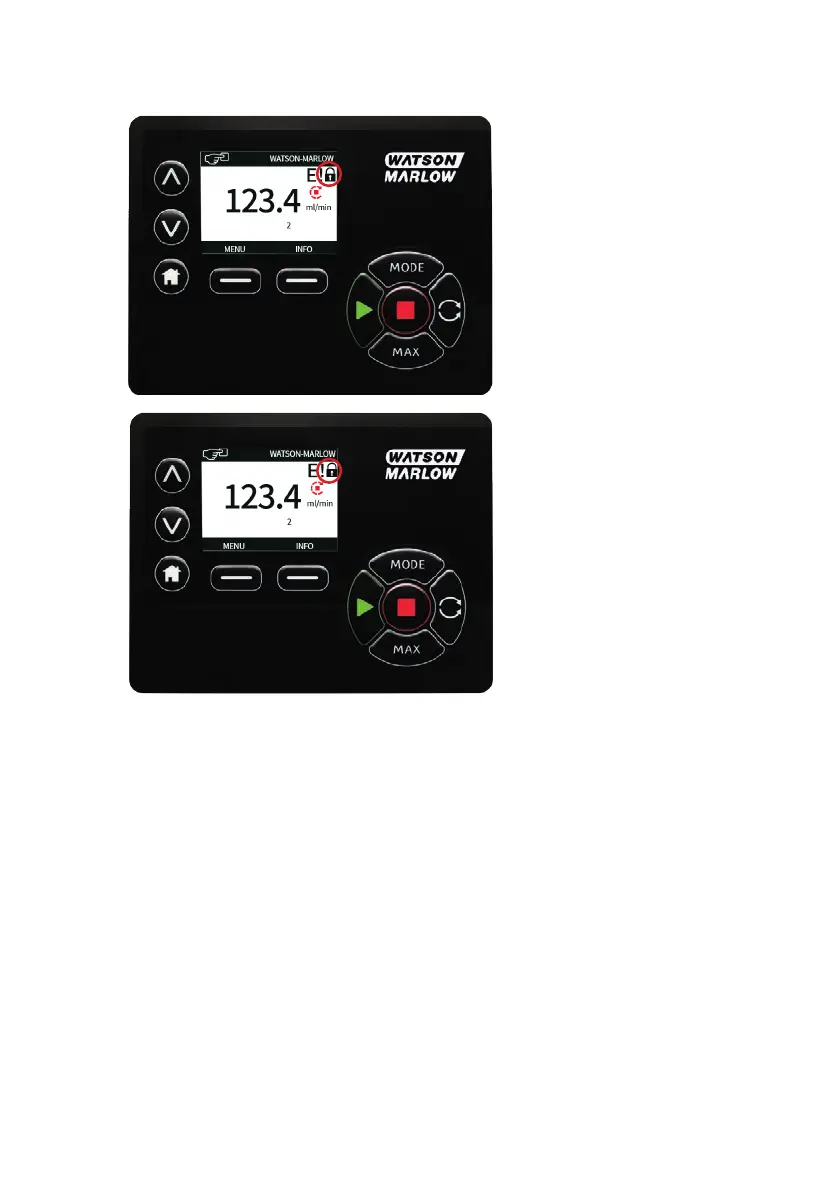
The padlock icon will appear on the operating mode home screen to show that keypad lock is activated.
Note that the STOP key will always work whether the keypad is locked or not.
PIN protection
Using the ∧ / ∨ keys select PIN protection from the SECURITY SETTINGS menu and press
ENABLE/DISABLE to switch on/off the PIN protection. If PIN protection has been enabled, a Master level
PIN will be required to disable PIN lock.
130 m-630un-en-08


 To Next Page
 Loading...