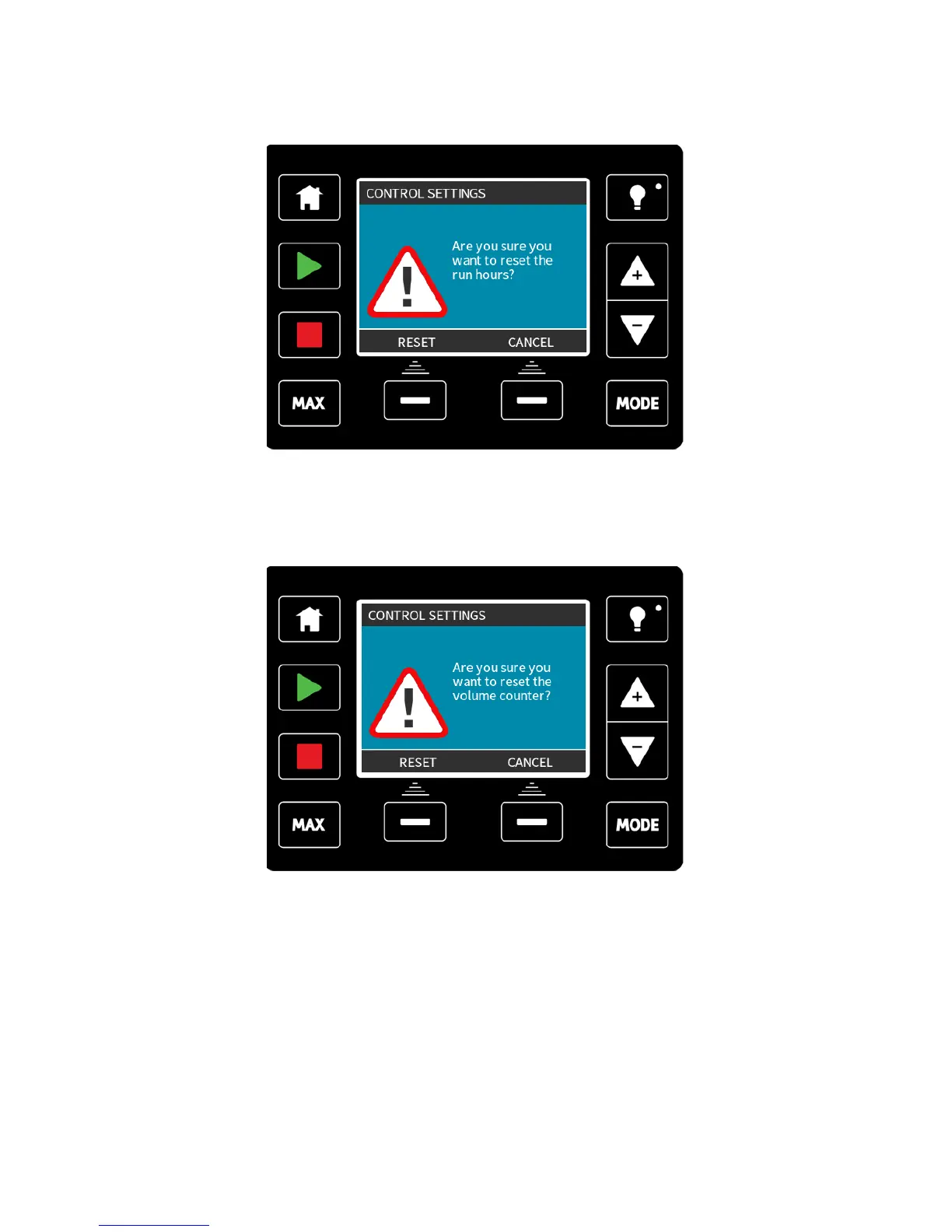
Reset run hours
Select reset run hours from the control settings menu.
Select RESET to zero the run hours counter. The run hours counter can be viewed by
pressing INFO from your home screen.
Reset volume counter
Select reset volume counter from the control settings menu.
Select RESET to zero the volume counter. The volume counter can be viewed by pressing
INFO from your home screen.
Invert alarm logic - Universal model
Select invert alarm logic from the control settings menu.
Select ENABLE to invert the alarm output. The default setting is high for healthy, low for
alarm. It is recommended to invert the output for fail safe operation.
m-qdos-en-02 100











 To Next Page