17 PROFIBUS mode(PROFIBUS only)
In this operating mode PROFIBUS control can be enabled or disabled. The qdos PROFIBUS
pump is designed so that the station address can only be set from the pump. The user can
set the station address within this mode.
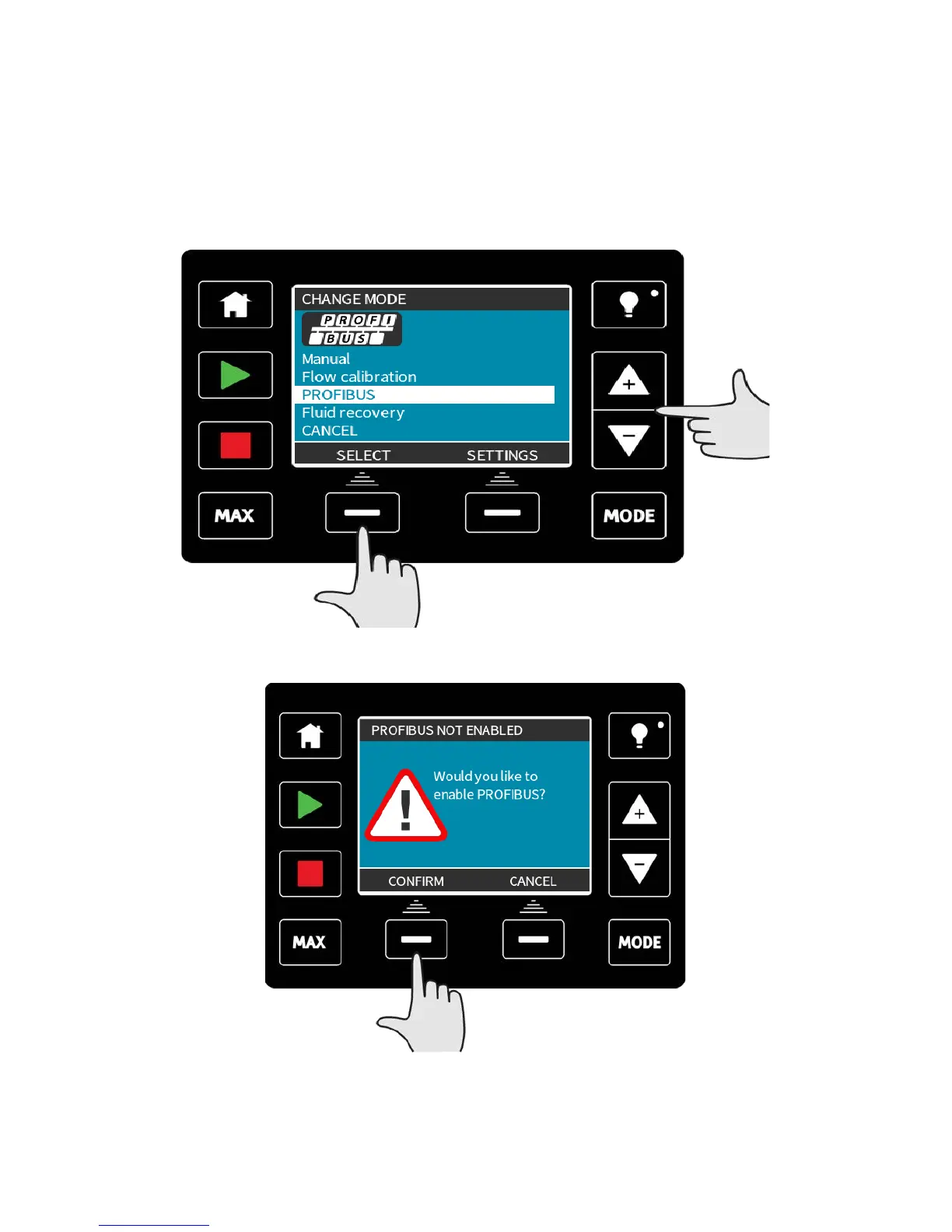
Select MODE
Using the +/- keys scroll to PROFIBUS and press SELECT
If PROFIBUS is not enabled, the screen below will prompt you to CONFIRM that you would
like to enable PROFIBUS.
On the PROFIBUS home screen the white P icon indicates that there is data exchange.
m-qdos-en-02 52











 To Next Page