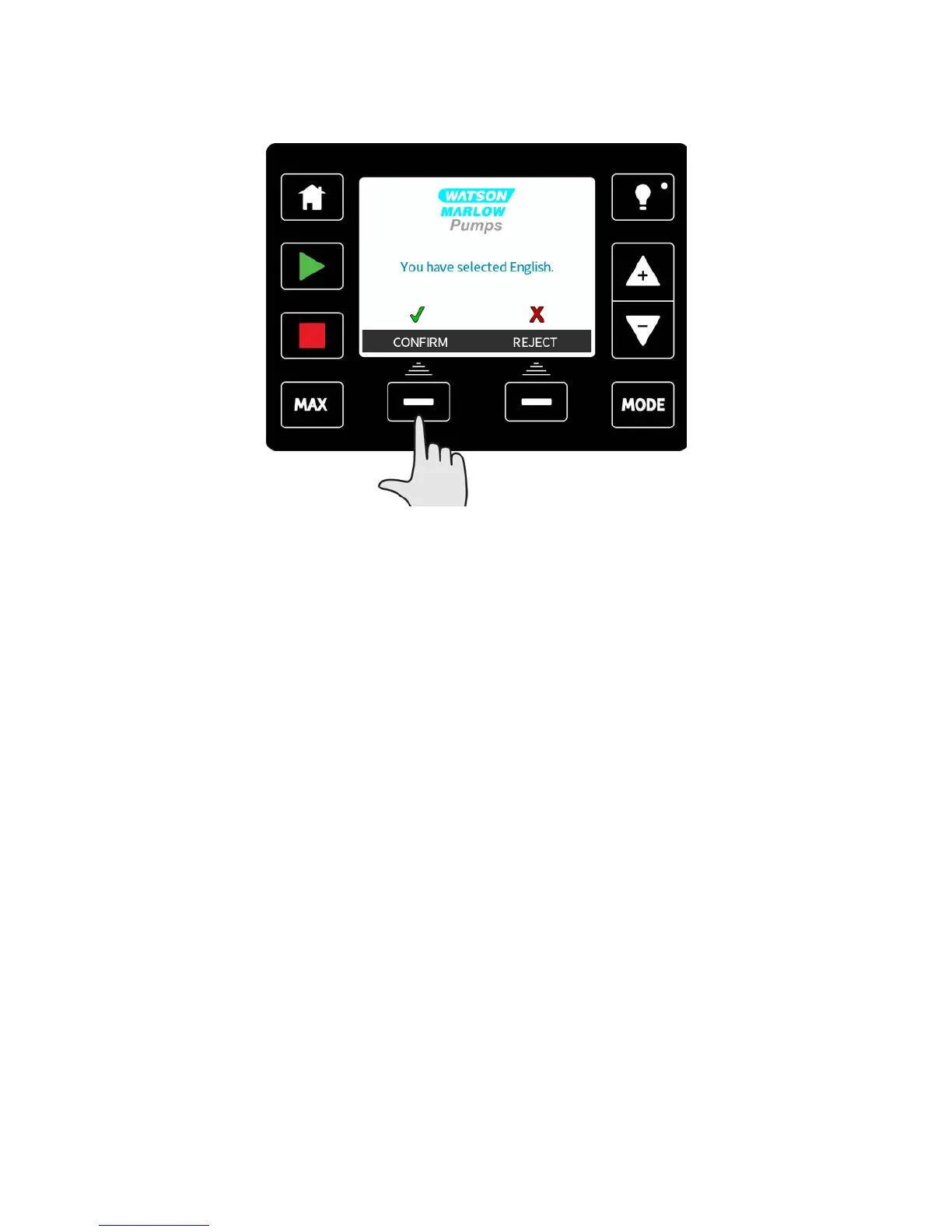
Your selected language will now be displayed on screen.
Press CONFIRM to continue, all displayed text will now appear in your chosen language.
Press REJECT to return to the language choice screen.
21.4 MODE menu (Manual, PROFIBUS, Universal and Universal+
only)
Selecting MODE menu from the main menu will navigate you to the MODE menu. This is
the same as pressing the MODE key. Please see "Switching between modes (Manual,
PROFIBUS, Universal and Universal+ only)" on page48 for further details.
m-qdos-en-02 97











 To Next Page