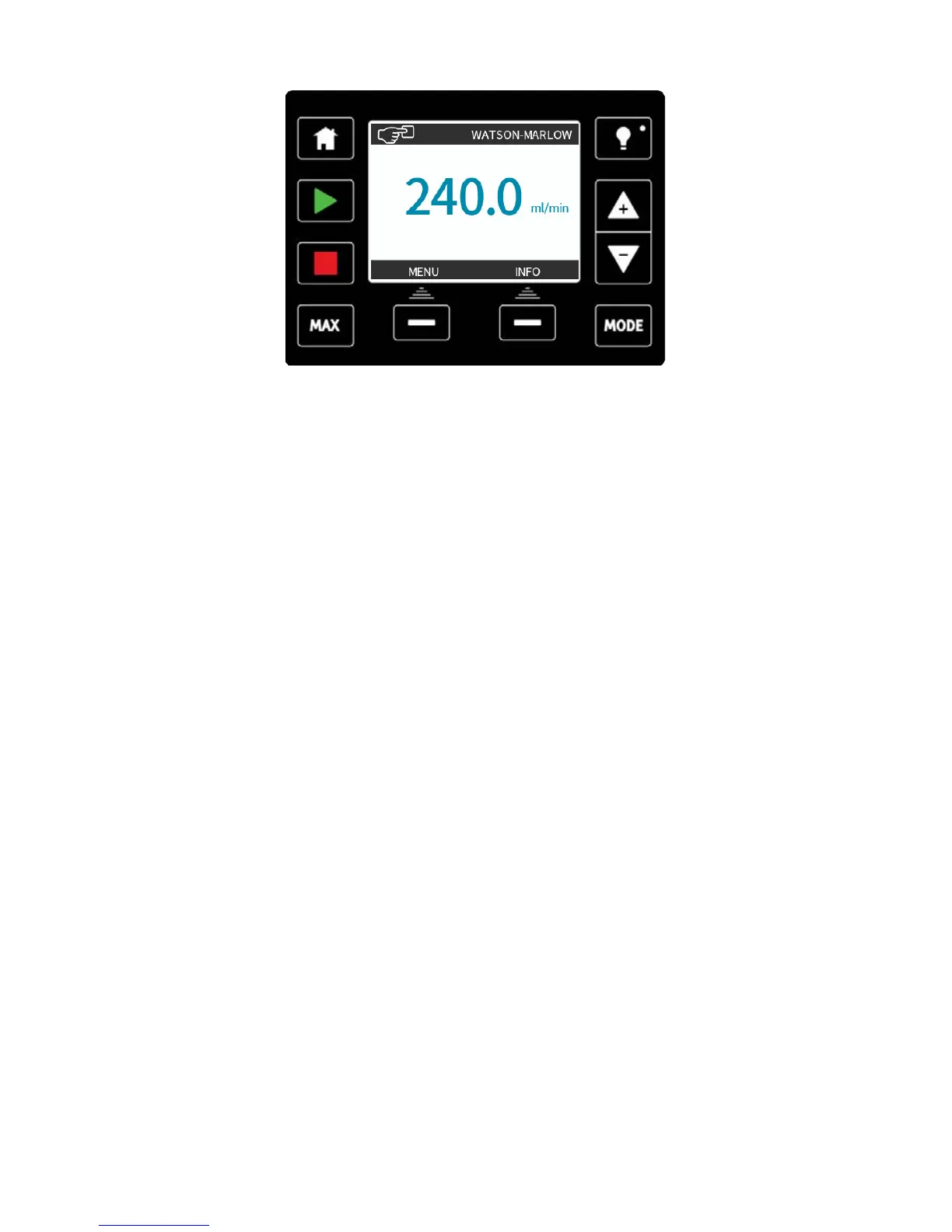
The pump is now ready to operate according to the defaults listed above.
Note: The display background colour changes according to running state as follows:
l White background indicates pump stopped
l Blue background indicates pump running
l Red background indicates error or alarm
All operating parameters may be changed by means of key-presses (see "Pump operation"
on page46).
13.2 Switching the pump on in subsequent power cycles
(Manual, PROFIBUS, Universal and Universal+ only)
Subsequent power-up sequences will jump from the start-up screen to the home screen.
l The pump runs a power- on test to confirm proper functioning of the memory and
hardware. If a fault is found, an error code is displayed (see "Error codes" on page108).
l The pump displays the start-up screen with the Watson-Marlow Pumps logo for three
seconds followed by the home screen.
l Start-up defaults are those in place when the pump was switched off last.
Check that the pump is set to operate as you require it.
The pump is now ready to operate.
All operating parameters may be changed by means of key-presses (see "Pump operation"
on page46).
Power interruption
This pump has an auto restart feature which, when active, will restore the pump to the
operating state it was in when power was lost. See "Main menu (Manual, PROFIBUS,
Universal and Universal+ only) " on page84.
Stop / start power cycles
Do not power up/power down for more than 20 starts per hour, whether manually or by
means of the auto restart facility. We recommend remote control where a high frequency of
power cycles is required.
m-qdos-en-02 44











 To Next Page