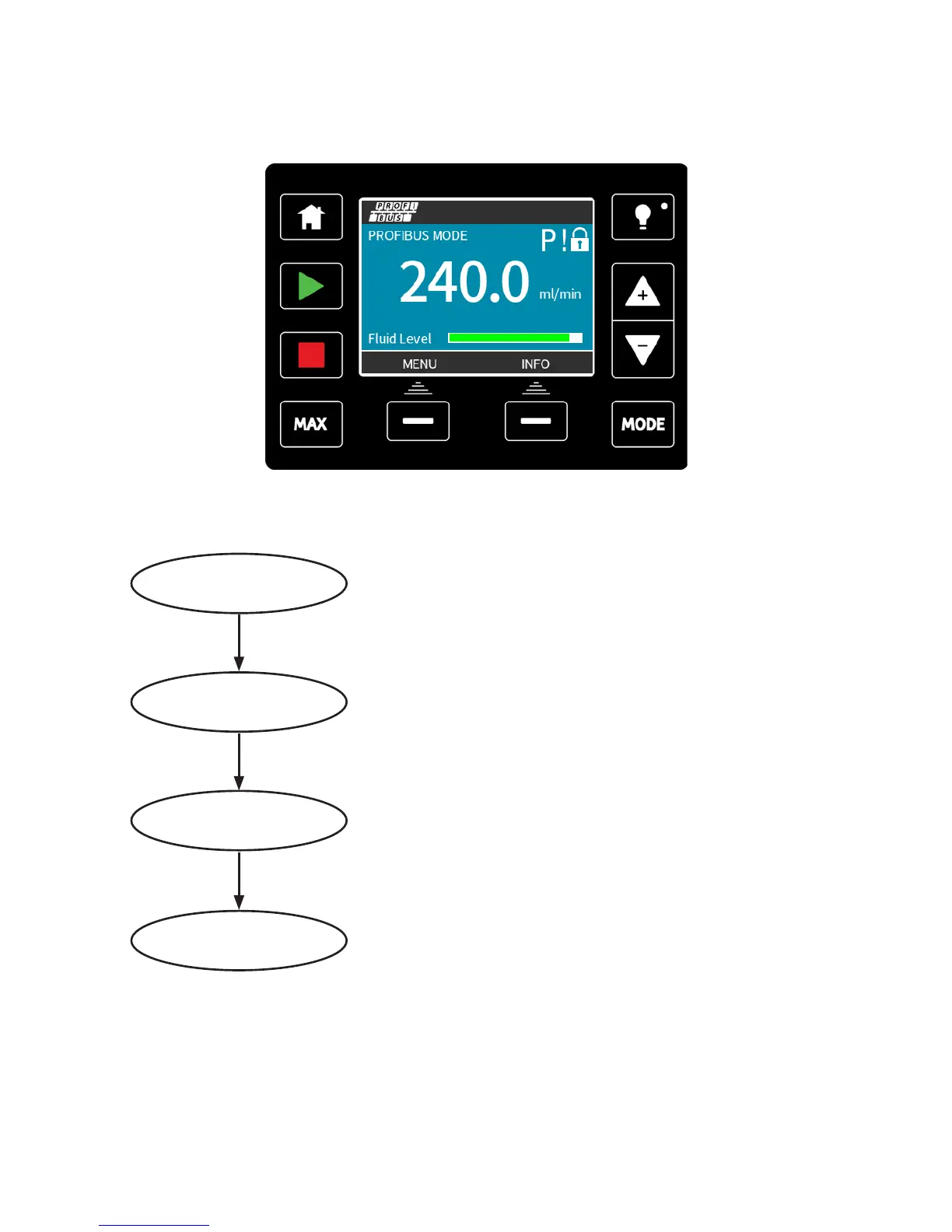
17.2 PROFIBUS communication errors
In PROFIBUS mode, the screen below is displayed, the P indicates data exchange is
happening.
This screen will only be displayed after successful implementation of Master Slave
communications, which always follow the sequence described below.
Power ON Reset
Power ON / reset of Master or Slave
Download of parameters into the eld device (selected
during conguration by the user)
Download of I/O conguration into the eld device
(selected during conguration by the user)
Cyclic data exchange (I/O data) and eld device reports
diagnostic
Parameterisation
I/O conguration
Data exchange
If data exchange is lost at any time, the following screen will be displayed. The first red dot
corresponds to the stage at which the error occurred and subsequent stages will indicate a
red dot because the communication sequence halted before this point.
m-qdos-en-02 55











 To Next Page