21 Main menu (Manual, PROFIBUS, Universal and
Universal+ only)
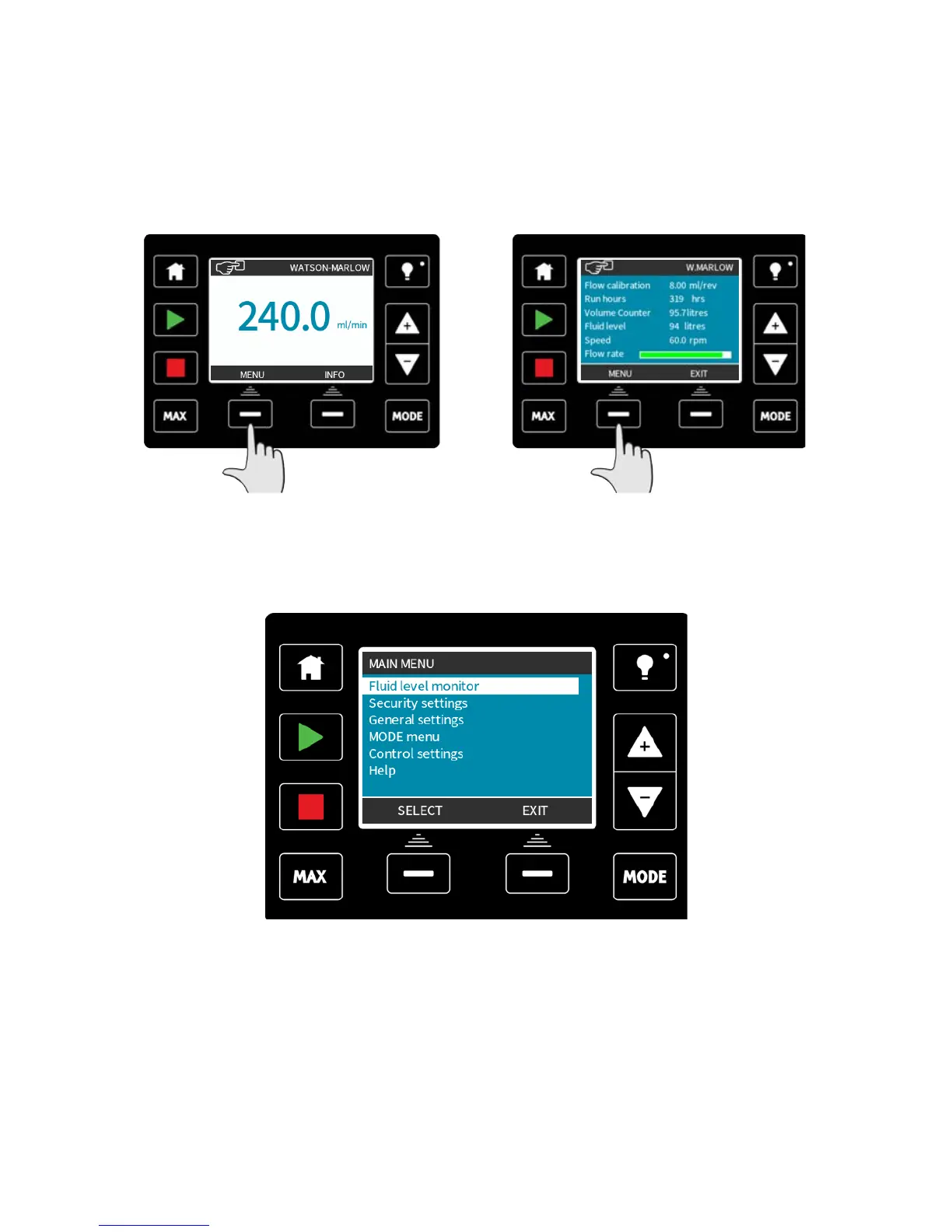
To access the main menu press the MENU button from one of the HOME screens or INFO
screens.
For example: Manual HOME screen Manual INFO screen
This will display the main menu as shown below. Use the +/- keys to move the selection
bar between the available options.
Press SELECT to choose an option.
Press EXIT to return to the screen from where the MENU was called.
m-qdos-en-02 84











 To Next Page