18 Flow calibration mode (Manual, PROFIBUS,
Universal and Universal+ only)
This pump displays flow rate in ml/min.
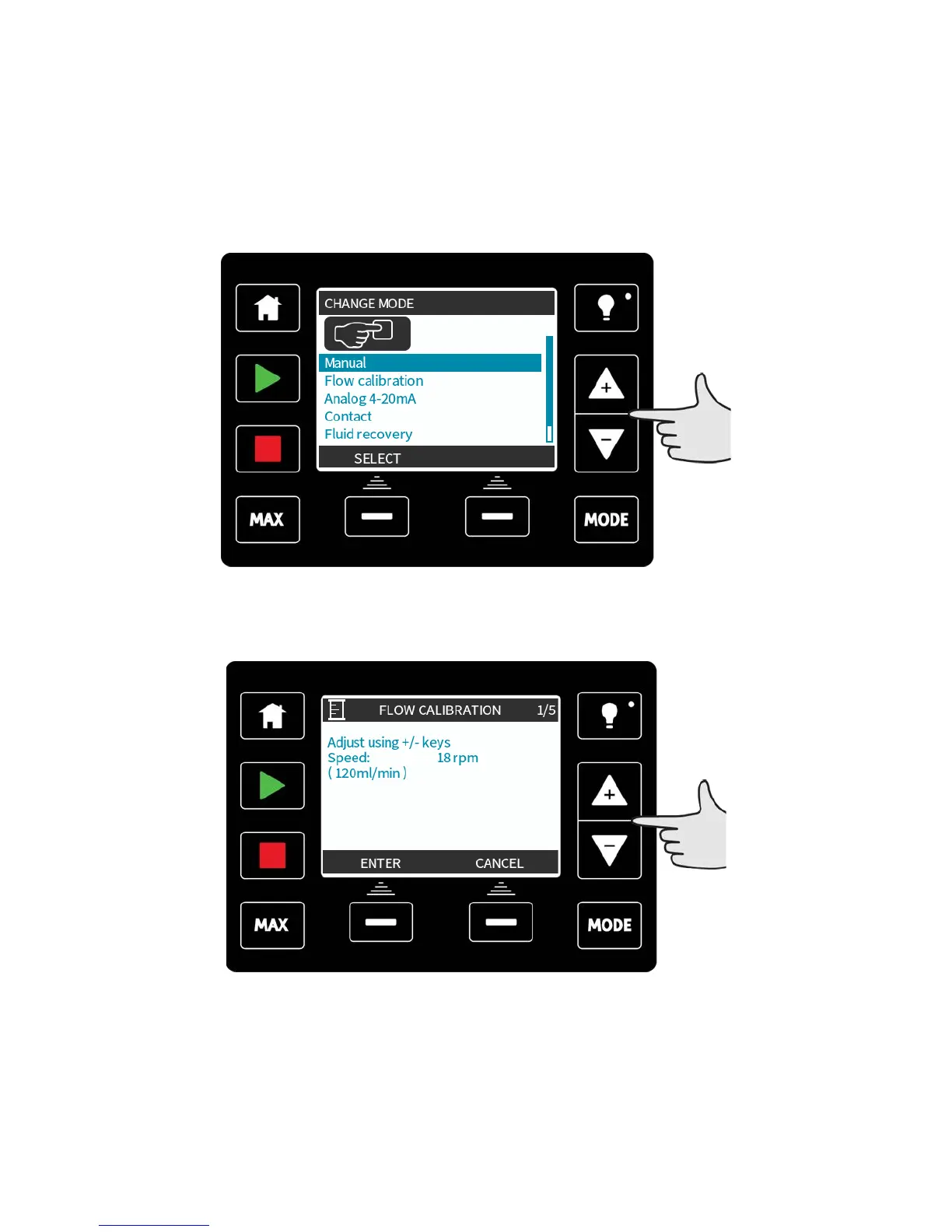
Setting the flow calibration
Select MODE
Using the +/- keys, scroll to Flow calibration and press SELECT.
Using the +/- keys enter the maximum flow rate limit and press ENTER.
m-qdos-en-02 64











 To Next Page