16 Manual mode (Manual, PROFIBUS, Universal and
Universal+ only)
All settings and functions of the pump in manual mode are set and controlled by means of
key-presses. Immediately after the start-up display sequence (detailed in: "Switching the
pump on in subsequent power cycles (Manual, PROFIBUS, Universal and Universal+ only)"
on page44 ), the manual mode home screen will be displayed unless auto restart is
enabled.
If enabled, the pump will return to the last known operating state when the power was
lost. When the pump is running it displays an animated clockwise arrow. In normal
operation, the direction of flow is into the bottom port of the pumphead and out of the top
port.
If an exclamation mark (! ) is displayed, it indicates that Auto restart is on (see 18.3
General settings on page 57). If a padlock icon shows, it indicates that the keypad lock is
on.
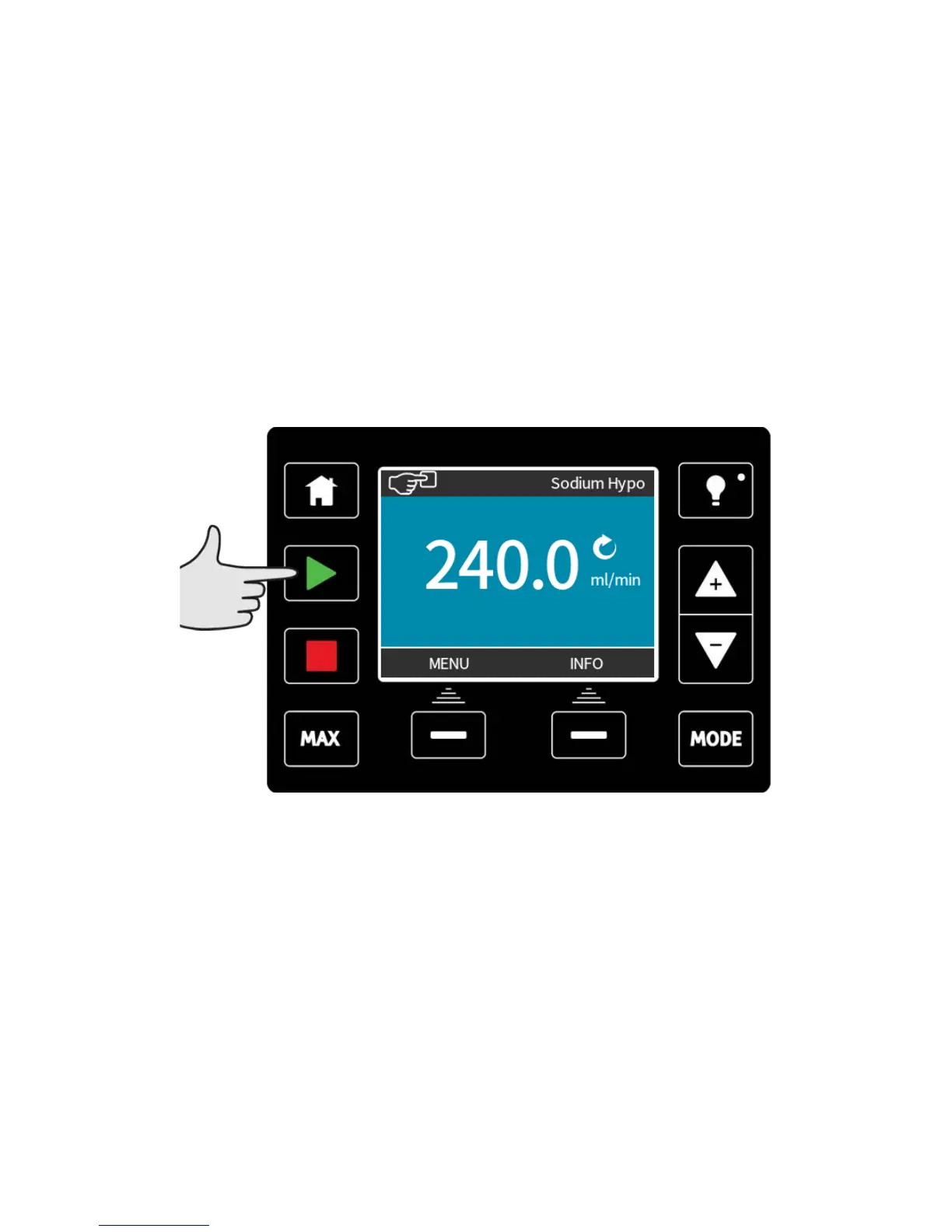
START
Starts the pump at the current flow displayed, and the display background changes to blue.
If the pump is running pressing this has no effect.
m-qdos-en-02 49











 To Next Page