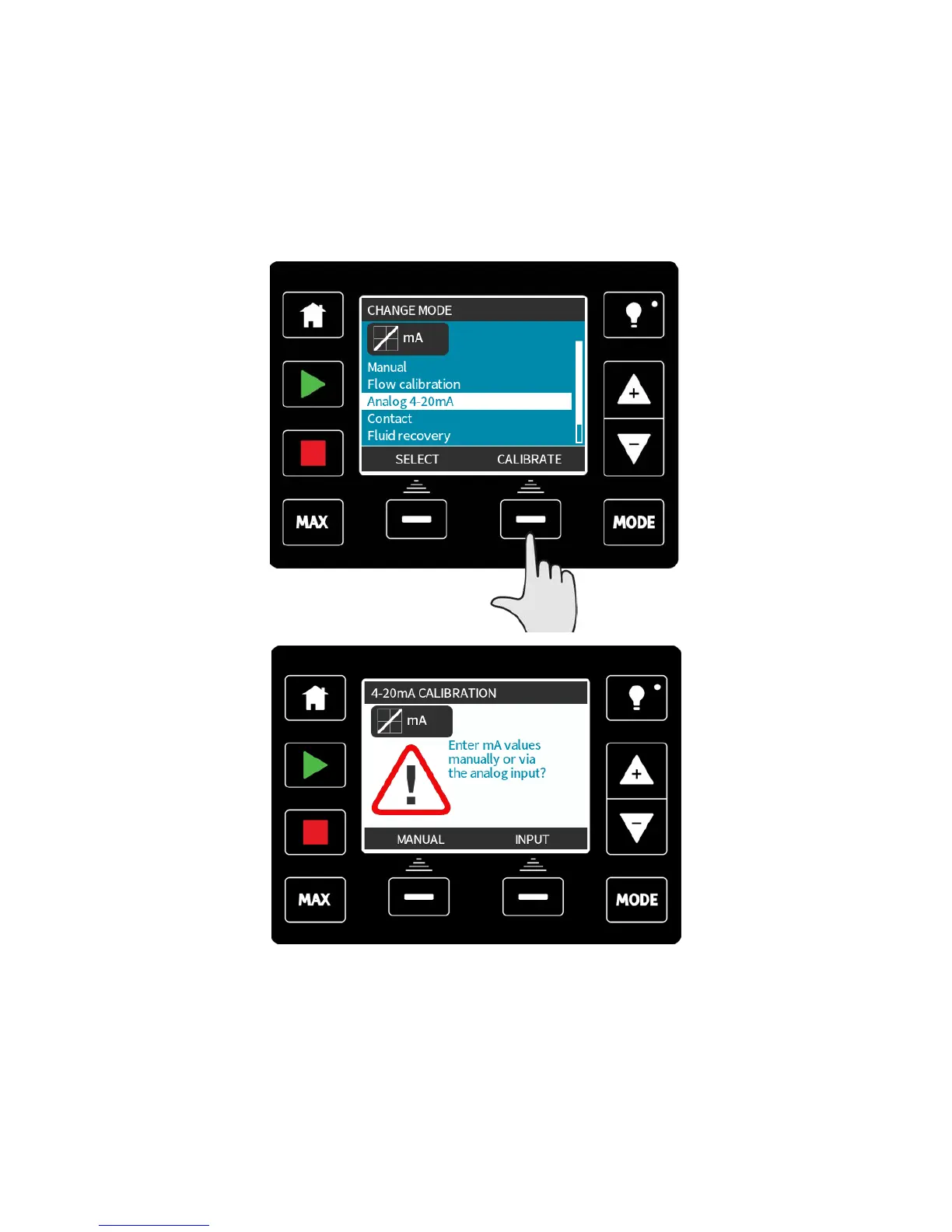
19.1 Calibrate the pump for 4-20mA control (Universal+ only)
This feature is only available in the Universal+ model.
The pump must be stopped before attempting to calibrate the 4-20mA values. High and low
signals must be within range. If the signal sent is out of range you will not be able to set
the signal input value and progress to the next step in the process.
Select MODE.
Using the +/- keys scroll to Analog 4-20mA and press CALIBRATE 4-20mA.
Choose whether to enter the current values manually via the keypad, or whether to apply
the current signals electrically to the analog input.
m-qdos-en-02 72











 To Next Page