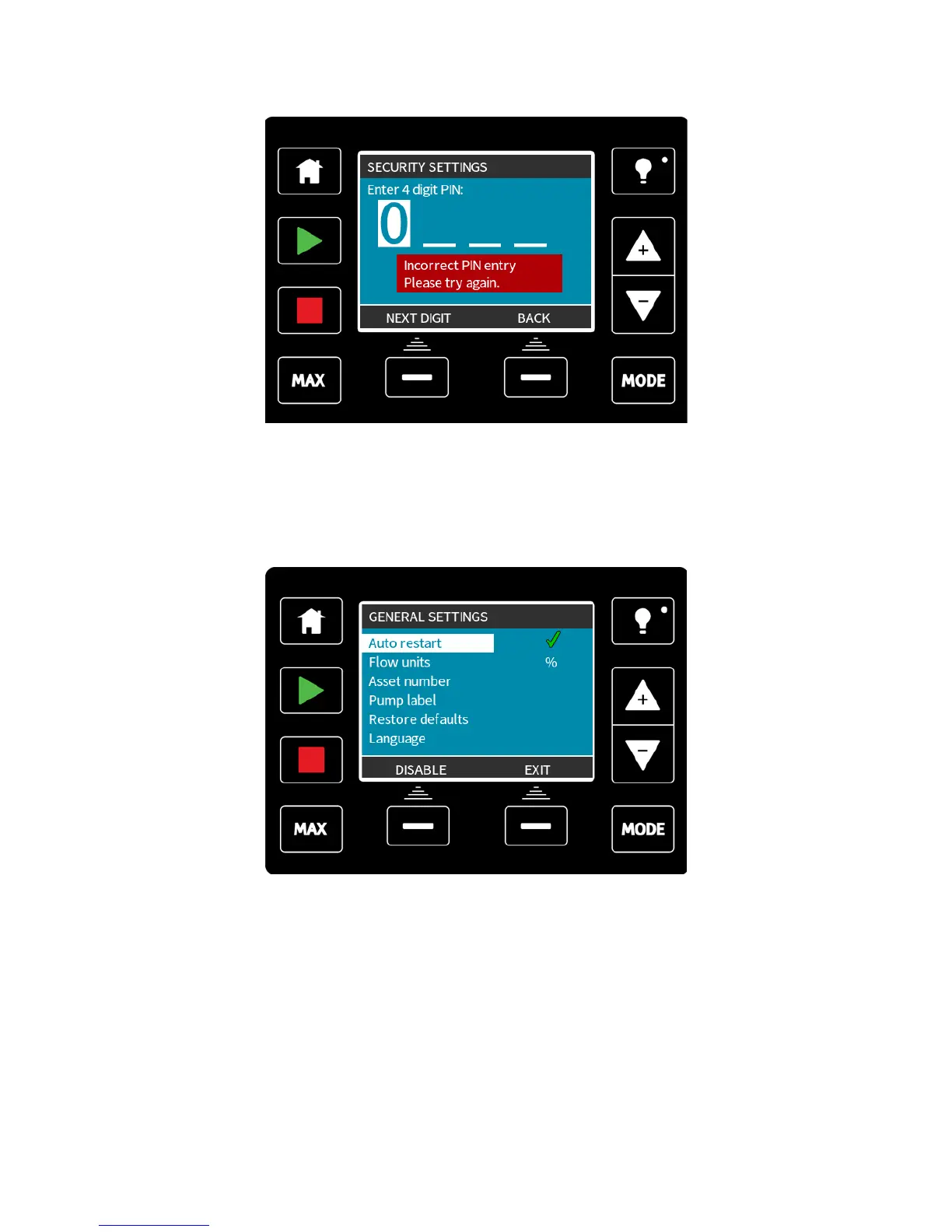
If you enter an incorrect PIN it will display the following screen:
There is an override feature, should you forget your PIN. Please contact Watson-Marlow for
details of how to reset the PIN.
21.3 General settings (Manual, PROFIBUS, Universal and
Universal+ only)
To view the general settings menu, select GENERAL SETTINGS from the main menu.
m-qdos-en-02 92











 To Next Page