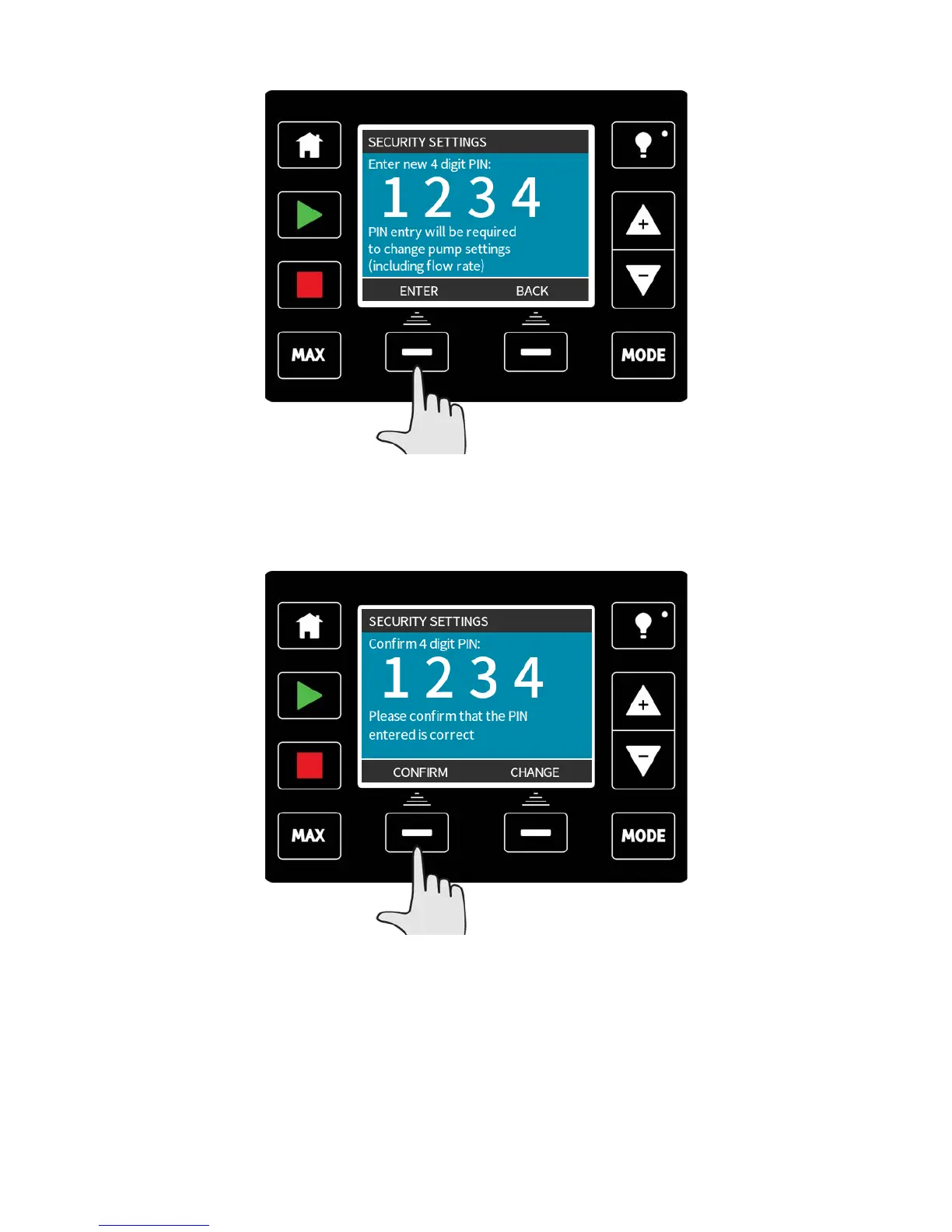
To define a four digit number for your PIN, use +/- to select each digit from 0-9. Once you
have the required digit press the NEXT DIGIT key. After selecting the fourth digit press
ENTER.
Now press CONFIRM to check that the number entered is the PIN you require. Press
CHANGE to return to PIN entry.
Pressing the HOME or MODE key at any time before you confirm your PIN will abort the
process.
m-qdos-en-02 91











 To Next Page