Use NEXT to move the selection bar to the next setting.
Use +/- to alter the value of the highlighted setting:
l The contact dose is the volume of fluid the pump will dispense when an external pulse
is received on input pin 2.
l The flow rate will determine the time taken to complete each dose.
l Contact memory determines what the pump will do when pulses are received while a
dose is in progress. If set to “ignore” the pulses will be forgotten by the pump. If set to
“add” any pulses received while dosing will be queued up in memory and will be
dispensed when the current dose has finished.
If pulses are buffered in the memory then the pump will not stop between doses.
Once you have decided all your settings press FINISH and press SAVE to store.
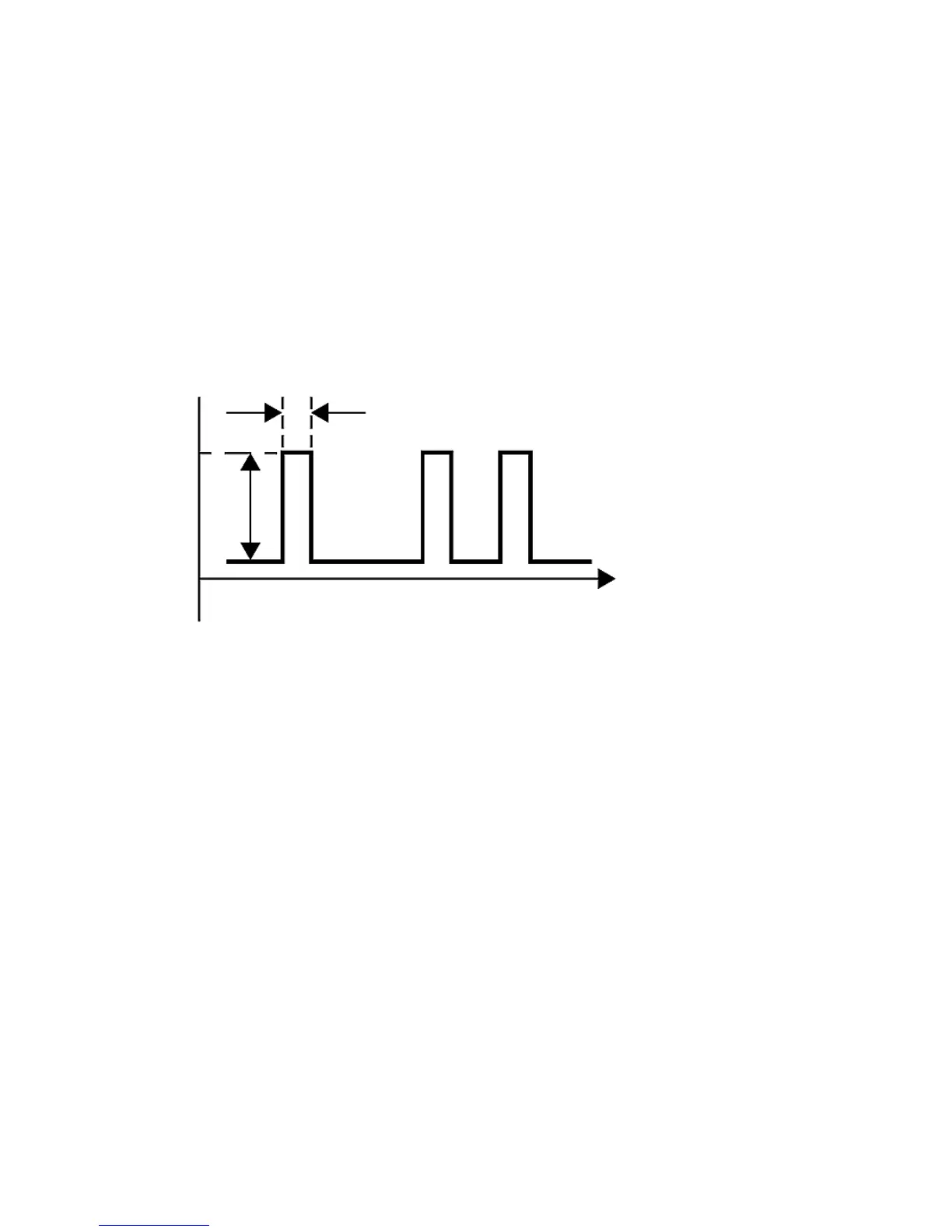
Electrical pulse specification


 To Next Page
 Loading...