• If you only need to check compliance in % of a standard, the Time mode is suitable.
This will give a complete and instantaneous result as a % of the limit.
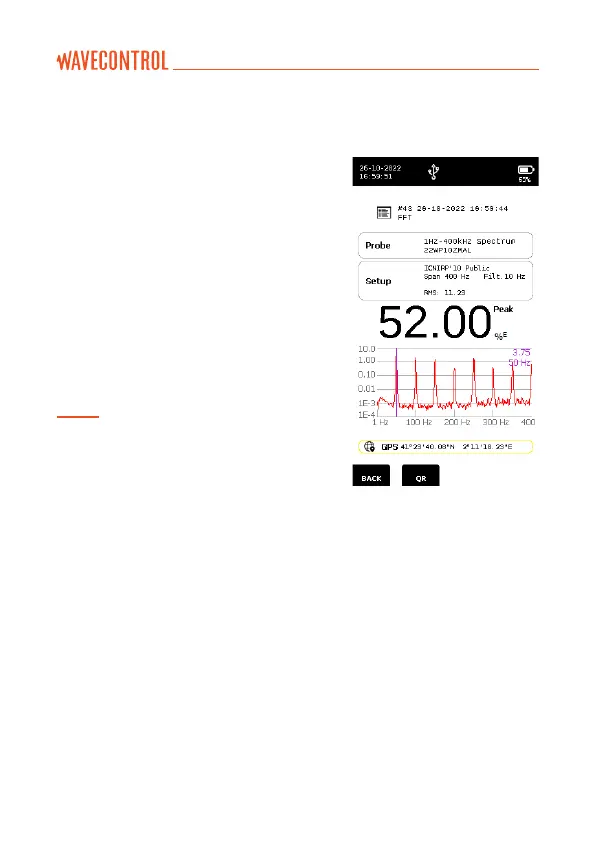
• If you need to check the frequency content
of the field, use the FFT mode. First select
the highest span (400 kHz). If no field is
detected above 40 kHz, change the span
to 40 kHz. If no field is detected above 4
kHz, change the span to 4 kHz. Finally, if
no field is detected above 400 Hz, change
the span to 400 Hz. This reduction of the
span, wherever possible, will provide better
frequency resolution to analyse the signal.
When you have the suitable span, press
“LOG“ to save the FFT.
Note: In the FFT mode as well, the total field
value, values for the axes, maximum, minimum
and peak values are updated every half second,
representing the field values over the full
frequency range.



 To Next Page