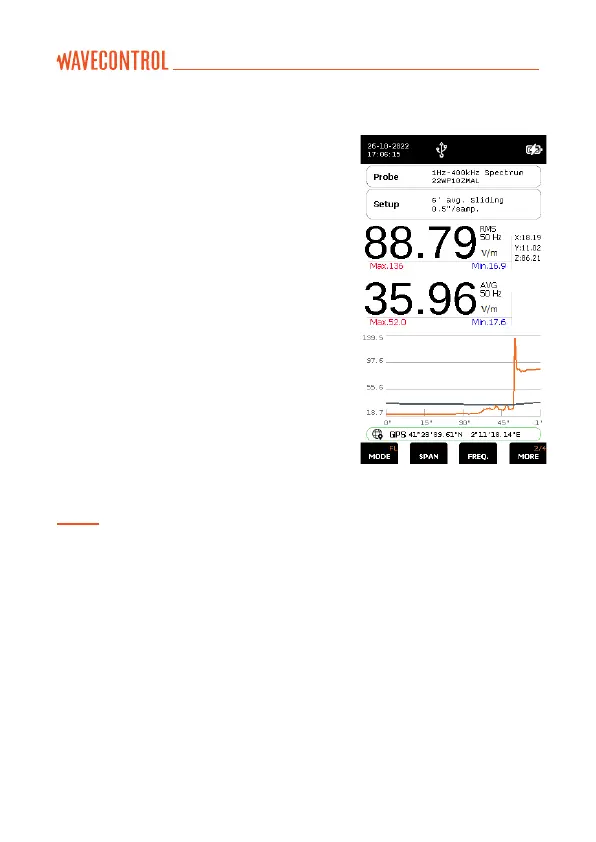
6.1.3. Single frequency time mode
In this mode, a log is kept of the changes
in a single frequency over time. An
example is shown in the figure above.
There are two ways to select the frequency:
a) In the FFT mode, place the cursor on
the desired frequency (you may need
to change the span in order to choose
the desired frequency), then change to
the “Frequency Log” mode.
b) Directly in the Frequency Log mode, using
the “SPAN” and “FREQ” functions. With a
span of 400 Hz you can select frequencies
with 1 Hz resolution, with a span of 4 kHz
with 10 Hz resolution, with a span of 40
kHz with 100 Hz resolution, and with a
span of 400 kHz with 1 kHz resolution.
Note that in this mode, even if you have selected a limit to obtain a value directly as a %,
only the RMS will be given and not the peak value.



 To Next Page