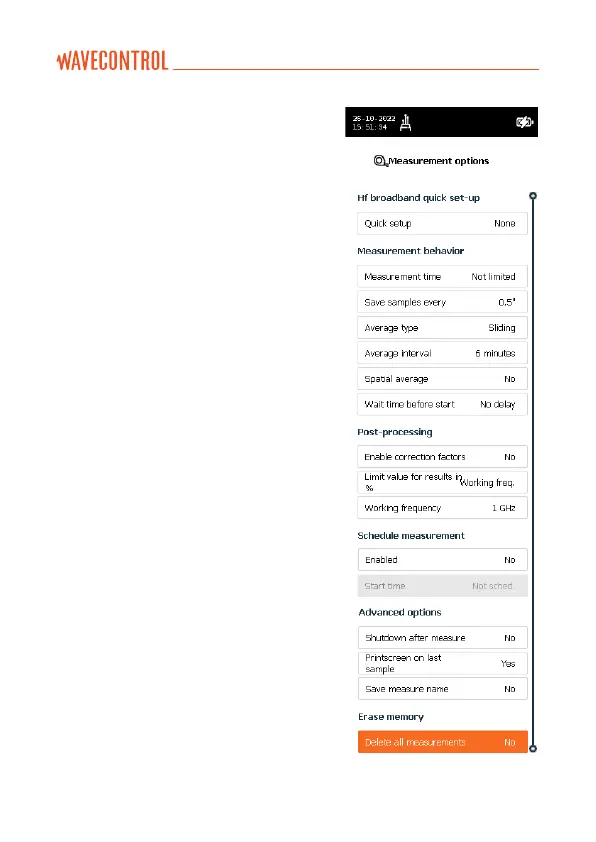
5.4. MEASUREMENT OPTIONS screen
This screen is used to configure
different parameters related to
measurement behaviour. It appears
as a menu with a scrolling bar.
The parameters to be configured are
shown on the left and the different
options for each parameter are
shown on the right.
The keypad is used to move along
the menu. The process for changing
the value of a parameter is:
• Run through the different
parameters using the arrows .
• To change a parameter, press
Enter when the cursor is on
that parameter. A pop-up will
appear showing all the possible
values.
• Run through the different values
using the arrows and click
on “OK” to select the desired
value. (you can cancel with the
“BACK” button).
• When finished you can either
press “BACK” to return to the menu
screen or press the “HOME” button
to come back to the main screen.



 To Next Page