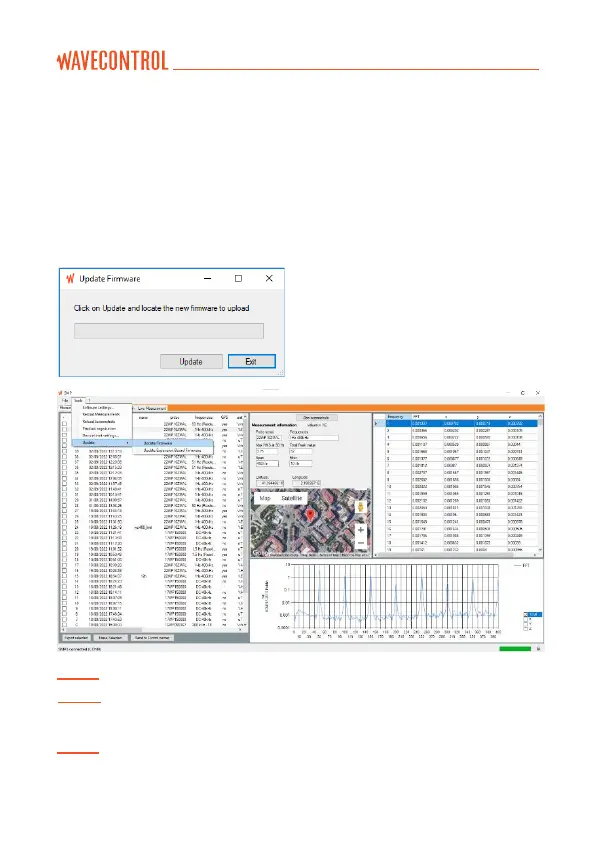
If the latest version of the firmware or expansion board firmware was delivered
to you by hand, you can update it by:
• Following steps 1 to 3,
• going to “Tools” “Update” “Update Firmware” (or “Update
Expansion Board Firmware”), and
• selecting “Update” and locating the firmware file to update.
The SMP3 firmware will update in
three steps:
• Firmware transfer to the SMP3.
• Firmware integrity check.
• Firmware recording to the SMP3.
Note 1: Depending on the type of update the process may take from 10 to 30 minutes.
Note 2: In case the
SMP3
cannot be connected to the mains, please be sure there is
enough battery.
Note 3: It is recommended to update the firmware without any field probe connected
to the
SMP3



 To Next Page