EasyManua.ls Logo

Wazer Pro - Page 61

Default Icon
76 pages
Print Icon
To Next Page IconTo Next Page
To Previous Page IconTo Previous Page
Loading...
Check, Puse or Cnce he Cu
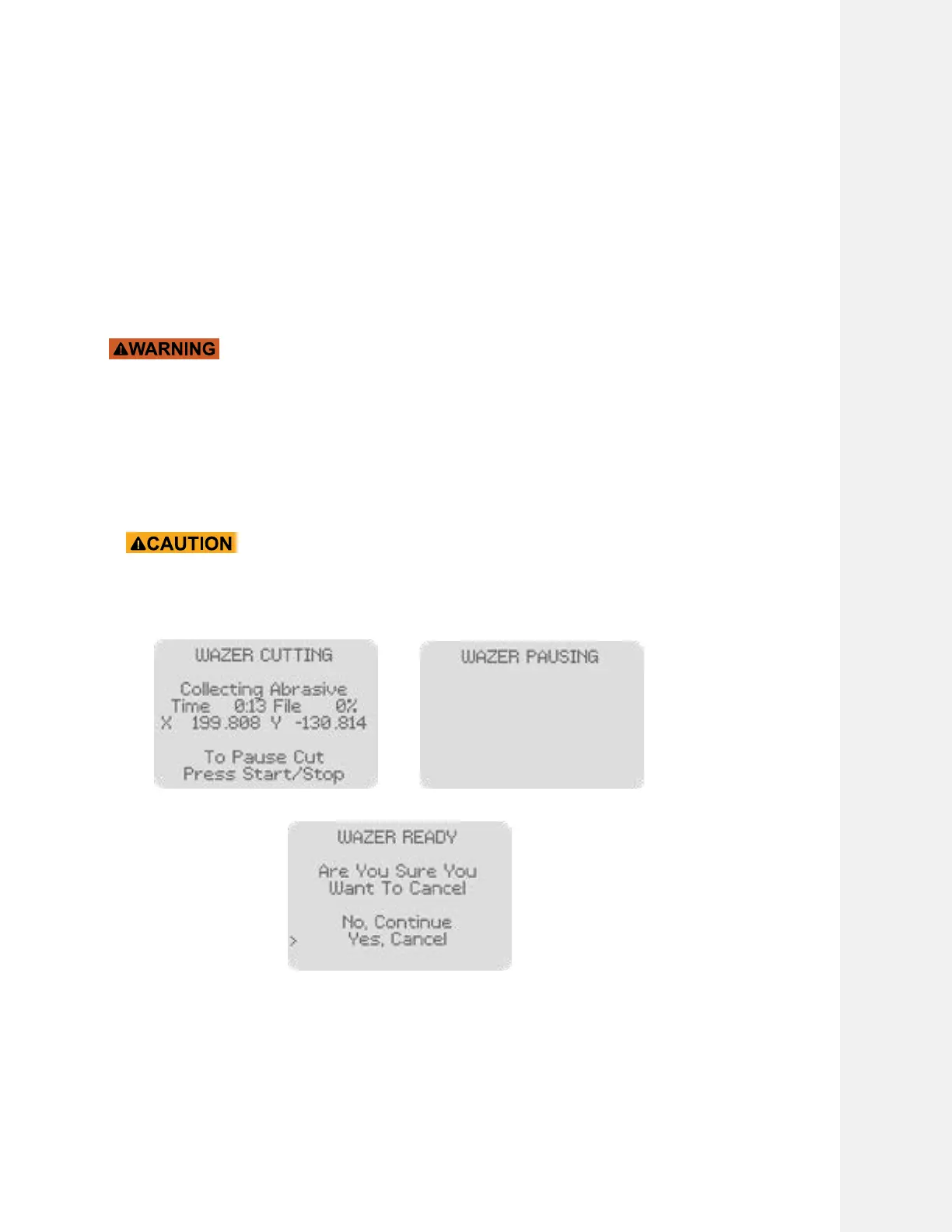
While WAZER Pro is running you can:
View the status of the Cut This includes elapsed time, feed rate and completion

Pause the Cut 

Once paused, you can either cancel the cut or continue the cut. Select the option you want
and press okay to confirm your selection
Complete the Cut
The Control Panel will indicate that the Cut is completed. It is now safe to open the Door.
DO NOT open the Door until you have canceled the Cut and the Control





"Output Check" to release the residual pressure in the hose line.



Cutting With WAZER Pro |
SECTION 5
55