SECTION
5
Cutting With WAZER Pro
Learn the process of cutting with WAZER Pro by completing the Welcome Cut.
Cutting with WAZER Pro requires a specific procedure that must be followed. You will find a checklist at the end
of this chapter that you can post prominently as a reminder.
The following procedures must be followed to cut with WAZER Pro:
•
Preparation
• Startup
• Cutting
• Finishing
• Shutdown
• Maintenance Between Cuts
User expectations:
•
It takes a few cuts and a few hours of running and experiencing the behavior of the machine in order to be able
to operate it confidently. Performing the welcome cut, then starting off with a few simple custom designs is highly
recommended.
• If you have any doubts or uncertainties:
- Contact WAZER customer support for assistance
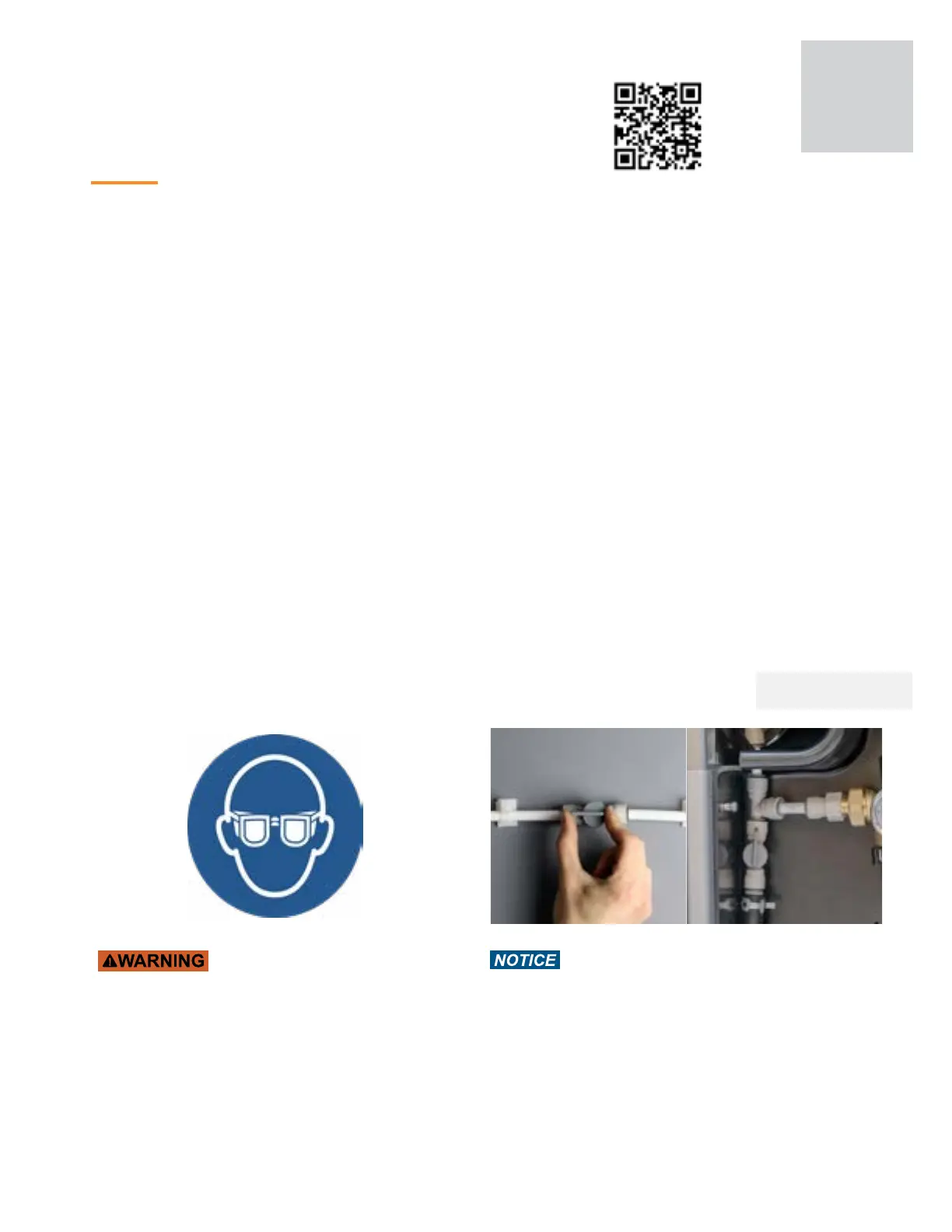
Wear Proper Personal Protective Equipment
Eye protection is required whenever using WAZER Pro.
Non-slip footwear is also recommended.
Open On/Off Valves
Open the water input On/Off Valve and the Purge Feed
Shutoff Valve. Forgetting to turn on water input valve could
lead to damage to the Pump and to a Failed Cut. Forgetting
to turn on Purge Feed valve may cause low pressure
system to clog. Make sure you know how to turn the water
off in case of an emergency.
Note 4 Pg.17
Note 4 Pg.17
43



 To Next Page