Shutdown WAZER Pro
Once you have completed your Cut, perform the following Shutdown procedure:
1.
Close the On/Off Valve
Turn the On/Off Valve to the “off” position.
2.
Turn WAZER Pro Off
Flip the power switch to turn WAZER Pro off. Do not use the Emergency stop at the top of your machine.
Bacteria can build up in the standing water of the Tank. Any injuries or cuts, even minor ones,
should be treated with caution. If you have open wounds avoid contact with the water or wear gloves that do not
expose you to the Tank water
3.
Leave the Door Open
After a Cut, everything inside WAZER Pro is wet. We suggest leaving the Door open so the internal surfaces can
dry. This prevents tight areas from growing mold and allows you to brush away the Used Abrasive once it is dry.
4.
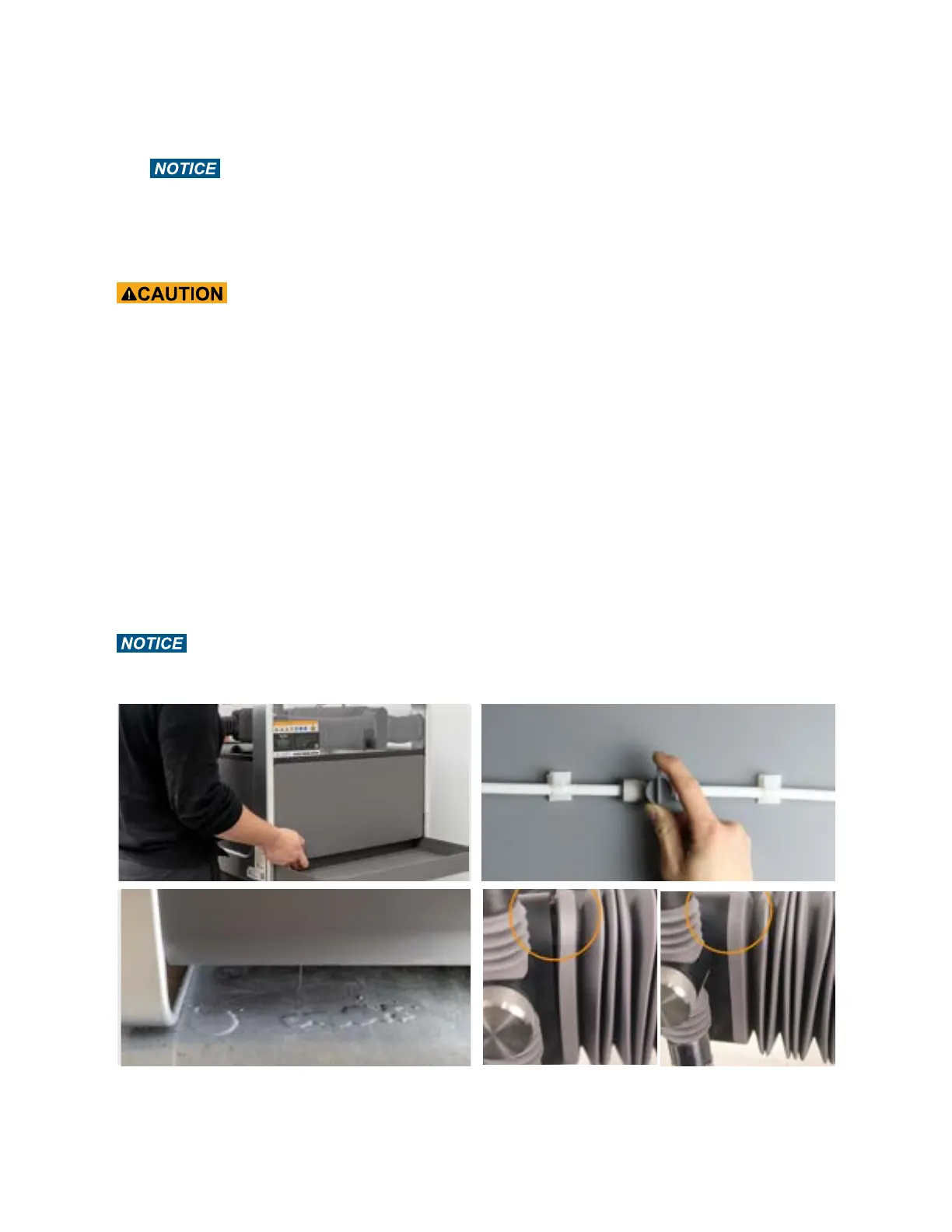
Perform a General Inspection
It is always a good idea to inspect WAZER for leaks and abnormal wear:
• Is there water around WAZER Pro?
• Are there any pieces of the Cut Bed that stick out? Remove unwanted material from Cut Bed.
• Are the Bellows sealed against the aluminum Gantry Blocks?
- Are the rubber gaskets around the inside of the machine correctly seated around the machine.
• Do any of the hose lines have too much tension?
You MUST remember you are dealing with water, which can result in things such as electrical shorts
and water damage.
60



 To Next Page